Reaching a large audience quickly and professionally is vital for business growth. Whether it’s newsletters, product updates, or promotional offers, email remains one of the most cost-effective channels for customer communication.
Yet, many small businesses still rely on personal email accounts to reach hundreds or thousands of recipients — a mistake that can severely damage sender reputation and delivery rates.
Using a personal email account for mass outreach may trigger spam filters, violate service terms, or even lead to account suspension. This guide explains what a bulk email sender is, why specialized platforms are essential, and how to configure one correctly to achieve high deliverability, engagement, and compliance.
What Is a Bulk Email Sender? Definition and Core Function
Think of a bulk email sender as a powerful email service built to send huge batches of emails at once, making sure they actually land in people's inboxes. It helps businesses connect with thousands of subscribers in a single go without getting flagged as spam.
How Is It Different from My Regular Email?
You can't just use your Gmail or Outlook for mass emailing, and here's why:
-
Sheer Volume: Your personal email account has a daily sending limit (Gmail cuts you off at around 500 recipients). Bulk email systems, on the other hand, can handle tens of thousands of emails every day.
-
Keeping a Good Reputation: Bulk senders work behind the scenes to manage your sending reputation, handle authentication, and watch for spam complaints so your emails don't get blocked.
-
Helpful Features: They come packed with tools like analytics dashboards, the ability to schedule campaigns in advance, and templates to make your emails look great.
So, what does "bulk email sender" mean? It can be two things:
The person or company sending out all those emails.
The tool or platform they use to do it (like Aurora SendCloud , Mailgun, or SendGrid).
Basically, these tools are essential for sending marketing or transactional emails at scale and ensuring they consistently reach the inbox.
Why Do Gmail and Yahoo Enforce Strict Bulk Sender Requirements in 2025?
Major mailbox providers have moved toward greater authentication and transparency standards to reduce phishing and spam.
As of February 2025, both Gmail and Yahoo require that bulk senders authenticate all messages using SPF, DKIM, and DMARC, and maintain spam complaint rates below 0.3%. Google’s Postmaster Tools V2 and Yahoo’s Sender Hub were introduced to help businesses monitor compliance with these new frameworks.
These changes reflect an industry-wide push toward verified sender ecosystems. Data from Google Workspace Security Insights (2025) shows a 45% drop in phishing attempts after DMARC enforcement became mandatory. By adhering to these requirements, legitimate senders improve recipient trust, reduce blocking incidents, and ensure stable campaign performance across global audiences.
Why You Should Never Use Personal Email Accounts for Bulk Mailing
While personal email accounts may appear convenient for widespread communication, they are not designed for large-scale campaigns. Reliance on such accounts for bulk mailing can lead to significant operational drawbacks and potential penalties.
1. Terms of Service Violation
Utilizing personal accounts from providers such as Google, Microsoft, or Yahoo for marketing purposes directly violates their respective terms of service. Engaging in repeated bulk sending constitutes a clear breach of their acceptable use policies, which are established to prevent spam and maintain service integrity.
This practice introduces significant risks to your account. Violating these terms can trigger severe consequences, including the temporary suspension of sending privileges or, in more serious instances, the permanent closure of your email account. Such actions can severely impede or permanently halt critical business communications.
2. Rate-Limit Blocking
Personal email inboxes impose daily or hourly sending limits. Dispatching a large volume of emails simultaneously will activate rate-limit protocols, resulting in delivery delays or message rejections.
Example: Gmail typically limits outgoing messages to approximately 500 per day; Microsoft Outlook averages 300–500 recipients.
3. Absence of Authentication and Security Certification
Personal email addresses are unable to implement SPF, DKIM, or DMARC — essential authentication records that verify sender legitimacy. Without these protocols, even legitimate messages are prone to being routed to spam folders.
In summary, personal accounts are not engineered for high-volume communication campaigns. Dedicated professional bulk email services address these challenges through specialized infrastructure, adherence to compliance standards, and robust analytics capabilities.
Essential Bulk Email Sender Setup and Configuration Guide
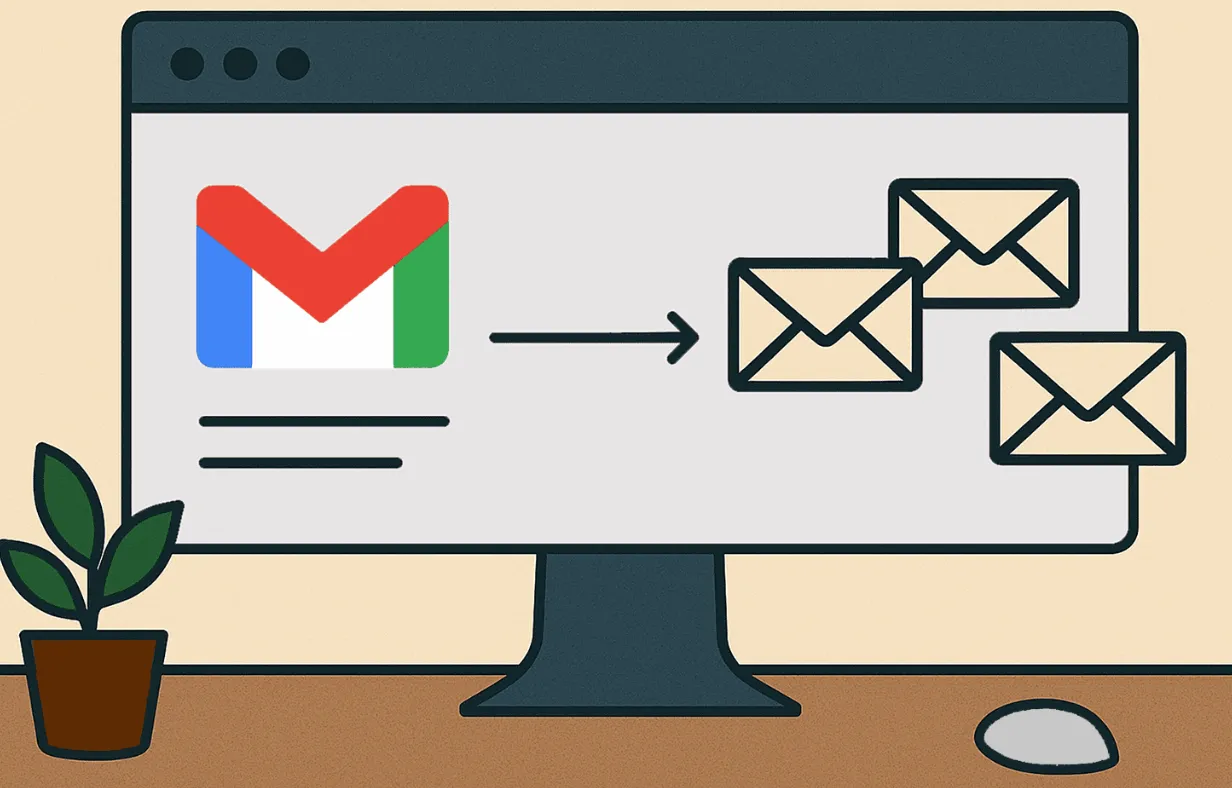
To ensure your messages are consistently delivered to the inbox rather than the spam folder, it is crucial to properly configure your bulk sender. The following guide outlines the core setup steps required by major mailbox providers (MPs) such as Gmail and Microsoft.
Step 1: Configure Email Authentication (SPF, DKIM, DMARC)
Overview:
Email authentication protocols validate that messages are legitimately sent from your domain, preventing unauthorized use. The three primary standards are:
-
SPF (Sender Policy Framework): Specifies which mail servers are authorized to send email on behalf of your domain.
-
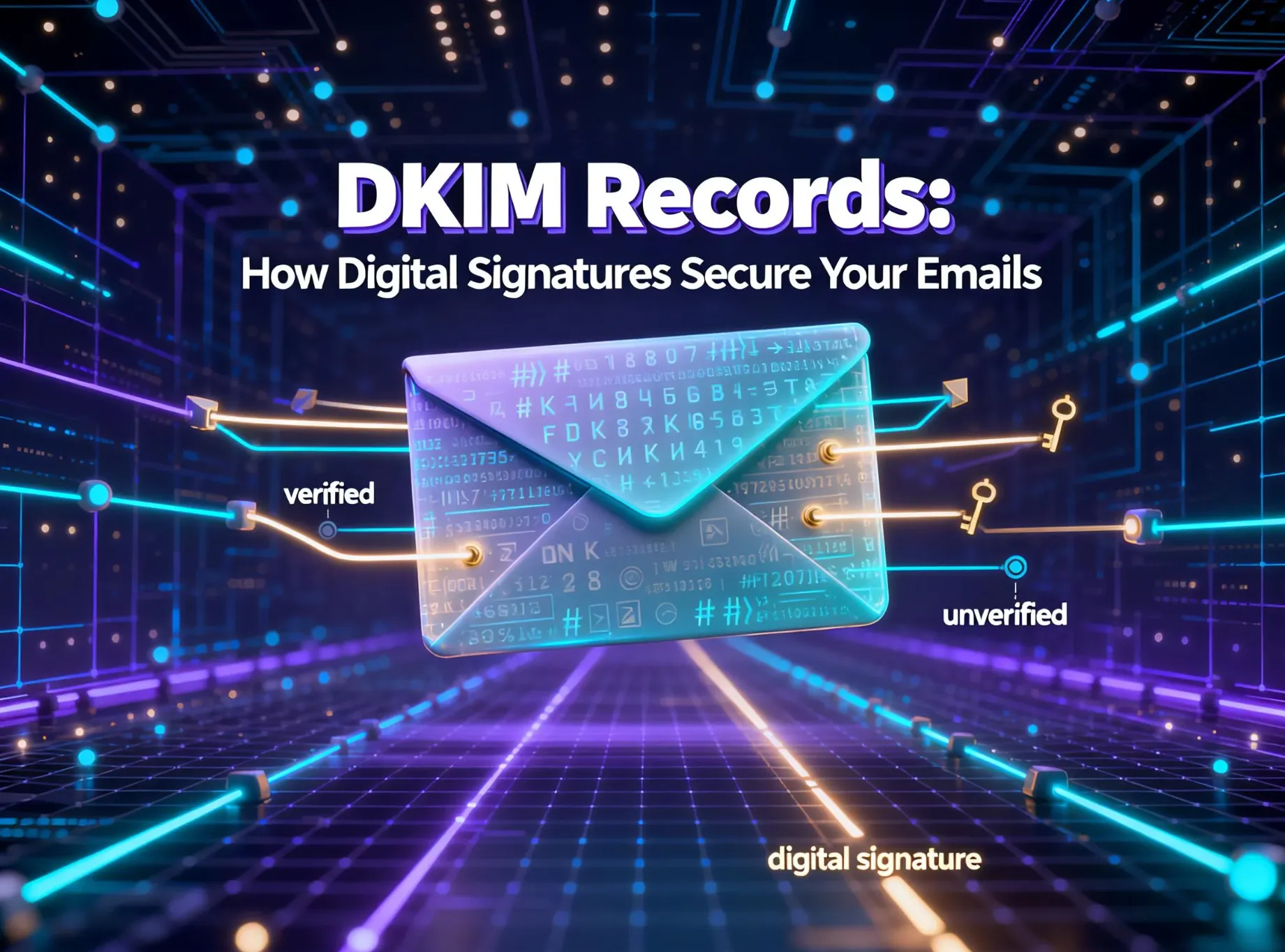
DKIM (DomainKeys Identified Mail): Appends a digital signature to each message, verifying its content has not been altered in transit.
-
DMARC (Domain-based Message Authentication, Reporting & Conformance): Aligns SPF and DKIM policies and provides instructions to receiving servers on how to handle unauthenticated mail.
Benefits:
Enhances your sender reputation.
Protects against domain spoofing and phishing attacks.
Builds trust with mailbox providers like Gmail and Microsoft Outlook.
Consequences of Non-Compliance:
Messages failing authentication are frequently rejected or filtered as spam.
Gmail & Microsoft Requirements:
As of 2024, both providers mandate full SPF, DKIM, and DMARC alignment for bulk senders. Gmail will explicitly reject unauthenticated bulk email campaigns.
Step 2: Establish Correct Reverse DNS (rDNS) Records
Overview:
A Reverse DNS record (also known as a PTR record) maps your sending IP address back to your domain name, thereby verifying its authenticity.
Benefits:
Confirms that your IP address is designated for legitimate email traffic.
Improves deliverability by enhancing your IP's credibility.
Consequences of Non-Compliance:
If an rDNS record is missing or mismatched, mailbox providers like Gmail and Microsoft are likely to flag your messages as suspicious.
Mailbox Provider Standards:
Gmail: Requires the rDNS to match the HELO domain.
Microsoft Outlook: May reject mail from IPs that lack valid reverse DNS resolution.
Example:
An IP address like 203.0.113.45 should resolve to a hostname such as mail.yourcompany.com . In turn, that hostname must forward-resolve back to the original IP address.
Step 3: Maintain Low Spam Complaint Rates
Overview:
Mailbox providers meticulously track the percentage of recipients who mark your messages as spam.
Provider Requirements:
-
Gmail: The spam complaint rate must be maintained below 0.3% , with an ideal rate under 0.1%.
-
Microsoft: Enforces similar thresholds, which are monitored via its Smart Network Data Services (SNDS) dashboard.
Benefits:
A low complaint rate indicates high recipient engagement and satisfaction, which significantly improves inbox placement.
Consequences of Exceeding Limits:
Surpassing these thresholds can lead to deliverability throttling or having your messages filtered directly to the spam folder.
Best Practices:
Send communications exclusively to opted-in subscribers.
Employ clear and accurate subject lines.
Segment your audience to ensure content relevance.
Step 4: Implement a Clear, One-Click Unsubscribe Link
Overview:
This refers to a visible and easily accessible link that allows recipients to opt out of future communications instantly.
Legal & Provider Requirements:
-
Mandated under regulations such as CAN-SPAM and GDPR, as well as by Gmail’s 2025 bulk sender policies.
-
Gmail automatically includes an unsubscribe option alongside compliant messages.
Benefits:
Effectively reduces spam complaint rates.
Promotes transparency and builds recipient trust.
Consequences of Non-Compliance:
Failing to include or obscuring the unsubscribe link can result in message rejection by Gmail and may lead to legal penalties.
How Aurora SendCloud Simplifies Bulk Email Delivery
Aurora SendCloud eliminates the technical burden of configuring complex DNS and compliance settings. The platform is built for marketers and developers who need high deliverability without deep IT expertise.
Key Features That Help You Succeed:
-
Pre-configured rDNS: Every Aurora SendCloud IP pool includes verified reverse DNS records — no manual setup required.
-
Automatic Unsubscribe Management: Toggle the unsubscribe switch once, and the system handles requests automatically.
-
Instant Authentication Records: Aurora SendCloud generates ready-to-use SPF, DKIM, and DMARC values for your DNS.
-
One-Click Verification: After DNS records propagate, click Verify in the dashboard to confirm setup.
-
High-Deliverability Infrastructure: AI-driven routing, feedback loop integration, and real-time monitoring ensure that your campaigns stay compliant and reach the inbox.
With Aurora SendCloud , businesses can focus on creating great campaigns instead of battling spam filters or DNS errors.
How Can Businesses Leverage Data and AI to Optimize Bulk Email Performance?
Modern bulk email delivery is increasingly data-driven. AI-powered platforms such as Aurora SendCloud analyze real-time engagement metrics, sender feedback loops, and inbox placement trends to dynamically adjust routing and improve outcomes.
A Litmus-HubSpot 2025 study revealed that organizations integrating AI-based deliverability tools achieved 26% higher open rates and 19% fewer bounces than those using static systems.
Through predictive algorithms, these platforms can automatically throttle volume based on reputation signals, adjust subject line testing strategies, and identify subscriber fatigue patterns before they impact complaint rates.
This continuous optimization allows businesses to achieve a balance between scalability and compliance — ensuring campaigns are both high-volume and high-quality.
Common Beginner Mistakes to Avoid When Sending Bulk Emails
When initiating bulk email campaigns, beginners often encounter several pitfalls:
-
Neglecting Authentication: Failure to configure SPF, DKIM, or DMARC protocols diminishes sender credibility and deliverability.
-
Poor List Hygiene: Utilizing purchased or unverified email lists leads to elevated bounce rates and an increase in spam complaints.
-
Ignoring Compliance: Omitting essential unsubscribe options or delays in processing opt-out requests contravenes regulatory requirements.
-
Overlooking Mobile Optimization: Given that over 60% of emails are accessed on mobile devices, non-responsive designs significantly reduce engagement.
-
Irregular Sending Patterns: Inconsistent sending volumes, particularly sporadic large bursts, can trigger spam filters. Maintaining a regular and consistent sending schedule is crucial.
Addressing these common errors is vital for establishing a positive sender reputation and ensuring compliance with evolving standards, including Gmail’s 2025 bulk-sending requirements.
FAQs
What exactly does a bulk email sender do?
A bulk email sender is a specialized tool within an email marketing platform that helps you send large volumes of marketing email messages or automated emails to many recipients at once. Unlike personal email accounts such as a Gmail account, these platforms manage email volume, prevent spam traps, and improve inbox delivery across inbox service providers like Gmail and Outlook.
How do you set up a bulk email sender correctly?
To start, choose a reliable email service provider that follows email marketing regulations and the CAN-SPAM Act. Verify your sender domain, upload an opt in email list, and configure your sender name. Use double opt in sign up forms to ensure email subscribers want to receive messages, helping build trust and avoid spam complaints.
What factors improve bulk email deliverability?
Maintain a healthy contact list, use sulfate free templates (error free, spam safe), and regularly perform test emails. Monitor your sender score, check for broken links, and create personalized email messages for better engagement.
How can email marketers increase performance and compliance?
Combine bulk email marketing with automation workflows and advanced list segmentation to send targeted emails. Keep your email reputation strong by avoiding spam trigger words, managing email volume, and reviewing engagement data using your email marketing dashboard.
Conclusion: Build a Trusted, Compliant, and Scalable Email System
Bulk email campaigns remain a cornerstone of digital marketing — but only when executed correctly. Using a specialized bulk email sender ensures that your messages reach the right audience while maintaining compliance and protecting your domain reputation.
By setting up authentication, verifying rDNS, managing complaint rates, and including clear unsubscribe options, you lay the groundwork for reliable deliverability.
Platforms like Aurora SendCloud make this process seamless by providing automated authentication, pre-configured DNS records, and real-time compliance checks. With the right tools and best practices, your campaigns won’t just reach inboxes — they’ll earn trust, engagement, and results.