Email remains one of the most essential communication channels for businesses—but it’s also the most exploited. As we move into 2026, failing to authenticate your email isn’t just a technical oversight—it’s a business-critical risk. Major mailbox providers like Google and Yahoo now enforce strict authentication requirements, and regulations worldwide are making email security a legal obligation.
This guide offers a future-ready, step-by-step approach to implementing SPF, DKIM, and DMARC—so you can prevent phishing, protect your brand, and ensure your emails reach the inbox.
Why Email Authentication is No Longer Optional in 2026
The 2025 Reality Check: A New Email Landscape
The data is clear: phishing is the entry point for the vast majority of cyber incidents. Consider these numbers:
- 91% of all cyber attacks start with a phishing email.
- Google and Microsoft now block unauthenticated emails by default—meaning if you don’t have SPF, DKIM, or DMARC set up, your emails may not be delivered.
- New regulations, such as those from the FTC and GDPR-inspired guidelines, are making email authentication a compliance requirement.
- Business Email Compromise (BEC) scams lead to over $26 billion in annual losses—a number that continues to grow.
If your domain isn’t protected, you're not only risking your own security—you're putting your customers and partners at risk, too.
What Problems Do SPF, DKIM, and DMARC Solve?
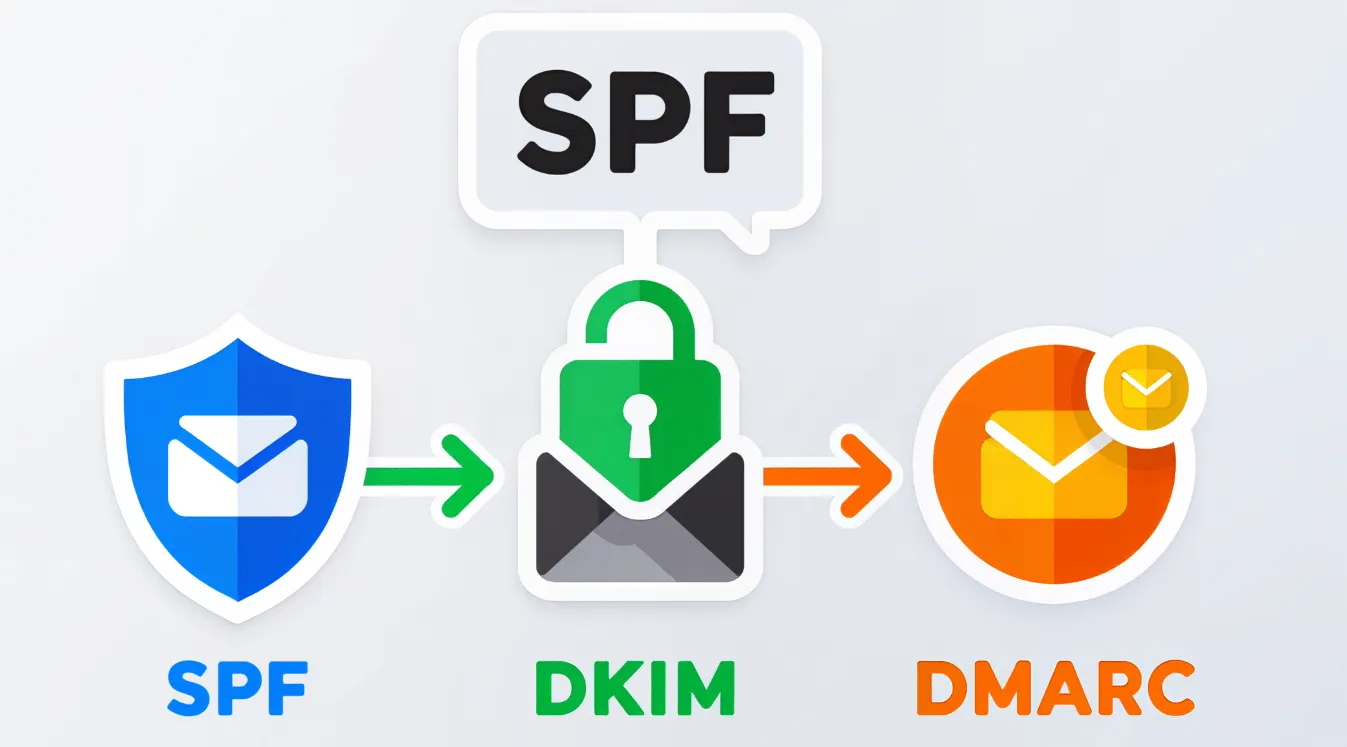
The Authentication Trinity: How They Work Together
SPF, DKIM, and DMARC form a layered defense that tells the world: “This email is really from me, and it hasn’t been tampered with.”
- SPF verifies the sending server.
- DKIM signs the message to ensure integrity.
- DMARC ties them together and tells receivers what to do if an email fails checks.
SPF——Sender Policy Framework
Attackers can send emails that appear to be from your domain, defrauding recipients and damaging your brand reputation. SPF allows you to publish a list of approved IP addresses and servers in DNS, which is equivalent to setting up a "visitor list" for your domain. For example, issuing a unique access card to each employee who needs to enter the office building.
DKIM——DomainKeys Identified Mail
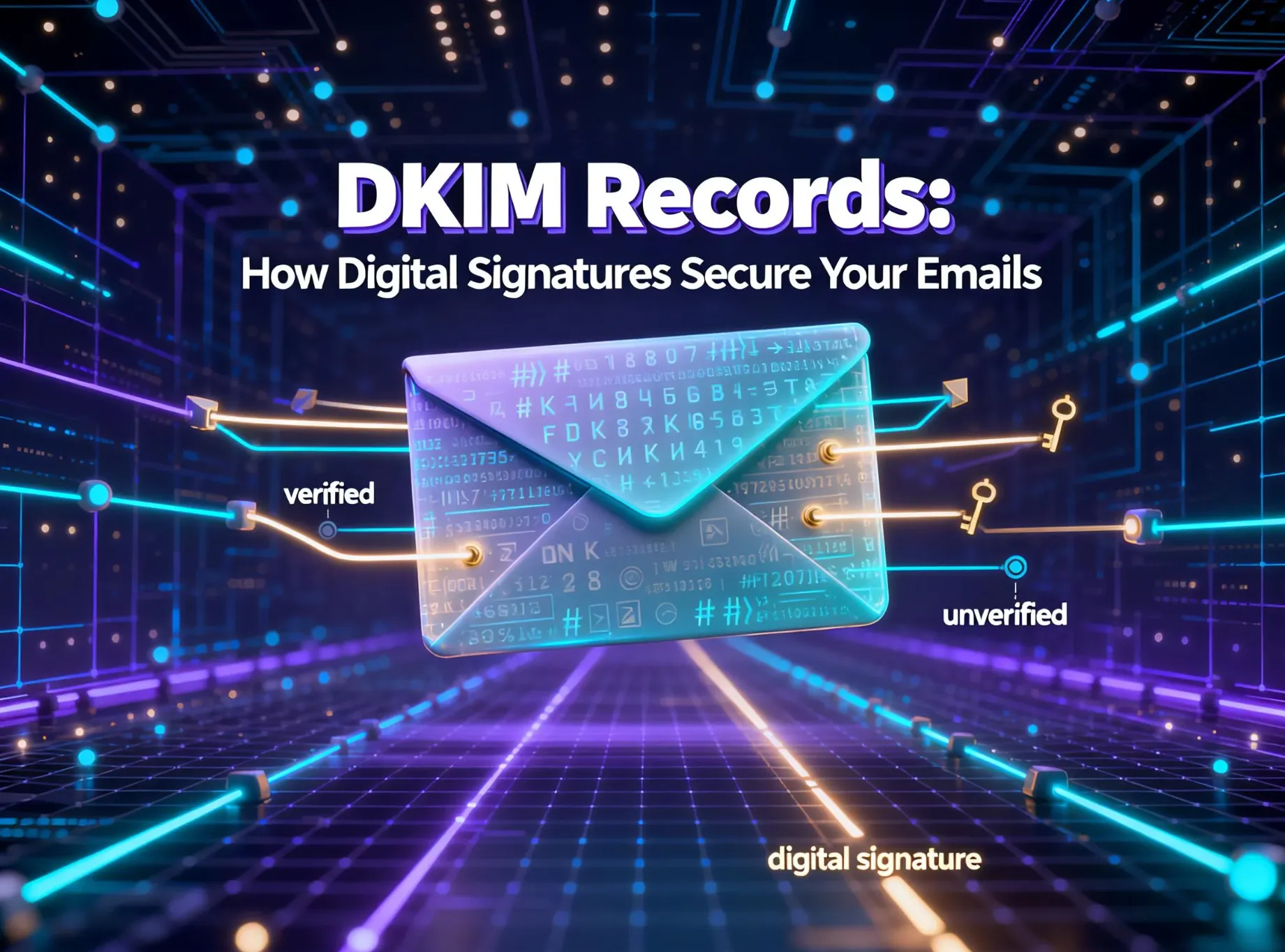
Even legitimate emails may be intercepted and tampered with during transmission, with malicious links or content inserted. DKIM adds a digital signature to each outgoing email, and the receiving server verifies the validity of this signature through your public DKIM key. It's like a tamper-evident seal on pharmaceutical packaging — once the seal is broken, it means the content is untrustworthy.
DMARC——Domain-based Message Authentication, Reporting and Conformance
If you only rely on SPF and DKIM, you cannot inform the receiving server how to handle emails that fail identity authentication. At this point, DMARC allows you to set clear handling policies — monitor, quarantine, or reject, and receive detailed reports on who is sending emails using your domain. Just like formulating a set of security protocols that can automatically mark, detain, or refuse unauthorized visitors from entering the gate.
The Ultimate 2026 Setup Checklist
Step 1: Pre-Implementation Audit
- Map all email-sending sources: This includes email service providers like Aurora SendCloud , CRM platforms, marketing automation tools, and internal servers.
- Inventory current DNS records: Check for existing SPF, DKIM, and DMARC entries.
- Identify all domains and subdomains used for sending email—attackers often target subdomains.
- Establish baseline metrics: Use tools like Aurora SendCloud’s deliverability dashboard to understand current authentication performance and failure rates.
Step 2: SPF Implementation
- Create a single, consolidated SPF record that includes all authorized sources using mechanisms like include, ip4, and mx.
- Avoid the 10-lookup limit—a common mistake that breaks SPF validation. Tools like Aurora SendCloud’s SPF management feature can help flatten your record automatically.
- Validate your SPF record using MXToolbox or Google Admin Toolbox before publishing.
Step 3: DKIM Configuration
- Enable DKIM signing across all your email platforms—whether you’re using Aurora SendCloud for marketing emails or Office 365 for internal communication.
- Publish the DKIM public key in your DNS with correct syntax.
- Test from the recipient’s side to ensure the signature is valid and passing.
Step 4: DMARC Deployment
- Start with p=none to monitor email traffic without impacting delivery.
- Analyze DMARC aggregate and forensic reports daily to identify both legitimate and malicious senders.
- Authorize all legitimate sources by updating your SPF and DKIM records.
- Gradually escalate your policy to p=quarantine and finally p=reject once you’re confident all valid email is authenticated.
2026 Advanced Domain Configuration Strategies
Critical Mistakes to Avoid
- Exceeding the SPF 10-lookup limit, which causes SPF to permanently fail.
- DKIM key rotation without a rollover plan, which can invalidate signatures and disrupt email flow.
- Moving too quickly to a DMARC p=reject policy, potentially blocking legitimate email.
Continuous Monitoring Framework
- Set up real-time alerts for authentication failures.
- Hold weekly DMARC report reviews to catch new sending sources or attacks.
- Create monthly authentication health scorecards to track SPF, DKIM, and DMARC compliance.
Maintenance Best Practices
- Regularly flatten SPF records to avoid exceeding lookup limits.
- Schedule DKIM key rotation every 6–12 months.
- Adjust DMARC policies based on reporting analytics.
Investing in Email Security is Investing in Brand Trust
The 2025 Business Imperative
Email authentication is no longer just an IT task—it’s a fundamental business requirement. In an era where brand trust is fragile and hard-won, every email sent from your domain either builds or erodes that trust.
Tangible ROI Demonstrated
Companies that enforce strict DMARC policies see:
- 85% reduction in phishing attacks
- 40–60% improvement in email engagement
- Higher customer lifetime value due to increased trust
- 3–5 times return on investment through risk mitigation and restored deliverability
Final Call to Action
In 2026, every unauthenticated email is both a security threat and a missed opportunity to build trust. The journey to full email authentication may seem technical, but you don’t have to do it alone.
Platforms like Aurora SendCloud are designed to simplify the entire process—from initial setup to ongoing monitoring. With intuitive tools and expert support, you can secure your domain, protect your brand, and ensure your messages reach the people who matter most.
Start your authentication journey today. Your brand’s reputation depends on it.