Businesses today rely on automation to manage large volumes of communication. Many teams use no-reply emails to handle system messages and reduce workload. However, this creates a serious challenge. Companies must choose between efficiency and user experience.
Research shows that most users dislike no-reply emails because they block communication. When users cannot respond, they feel ignored. This directly affects the email engagement rate and overall trust. So, the real question is simple: should businesses continue using no-reply emails, or move toward a better sender address strategy? This guide explains both sides and helps you make the right decision.
Analysis of Suitable Use Cases for No-Reply Emails
Companies should not completely avoid "non-reply" emails, but they should be careful to use them. These emails are most effective in limited situations where user replies are unnecessary. By clearly understanding the appropriate usage, you can maintain email delivery rates, maintain healthy engagement rates, and build a more effective sender address strategy without compromising the customer experience.
When No-Reply Emails Work Best
No-reply emails can work in specific cases where communication is not required. Businesses must use them carefully and only for technical or system-related messages. These emails support controlled communication and help maintain stable email delivery without unnecessary replies. However, companies must avoid overusing them and follow clear best practices for sender addresses to protect user trust.
System-Automated Transactional Emails
System-generated emails like order confirmations and password resets often use no-reply emails. These emails deliver important information quickly and do not need a reply. This approach supports strong email delivery and keeps systems simple. However, businesses should still provide an alternative contact option to reduce the disadvantages of no-reply addresses and support improving email reply rates when needed.
Legal and Compliance Notifications
Some industries must send emails for legal or regulatory reasons. These messages include privacy updates, policy notices, and compliance alerts. A no-reply sender address can work here because users do not need to respond. However, companies should clearly explain the purpose of the message and offer support channels to avoid reducing the email engagement rate.
High-Frequency System Alert Emails
Monitoring tools often send frequent alerts to internal teams. These alerts do not require replies and are compatible with non-reply email addresses. This setting prevents mailbox congestion and keeps communication efficient. However, companies must maintain a solid and professional sender strategy to ensure that these emails do not affect the performance of their entire email delivery.
When No-Reply Emails Should Not Be Used
Many companies misuse non-reply email addresses when communication is important. This error leads to lower engagement and loss of opportunities. Companies need to avoid use in situations where two-way interaction is important.
Marketing and Promotional Emails
Marketing emails depend on the user's response. If you use an unresponsive email address, communication will be blocked and the email engagement rate will be reduced. This also affects campaign outcomes and adversely affects email delivery. To improve outcomes, companies need to focus on improving email response rates and following best practices regarding sender addresses.
Customer Support Communication
Two-way communication is essential for customer support. Using the "no-reply" sender address will frustrate customers and highlight the shortcomings of the "no-reply" address. Customers expect answers to questions. If you cannot reply, you will lose trust. This directly affects customer satisfaction and reduces long-term loyalty.
User Relationship and Feedback Emails
Reply is required for feedback emails and questionnaires. If the user is unable to reply, the company cannot obtain valuable insights. This limits growth and undermines professional sender strategies. Companies should always allow replies in these cases to improve email engagement rates and build stronger relationships.
Why You Should Reduce the Use of No-Reply Emails
Companies often use "no-reply" emails to save time, but this approach causes serious problems in the long run. These emails inhibit communication, impair trust, and reduce email engagement rates. Also, because the signal of engagement becomes weak, it adversely affects the delivery of mail. To build strong relationships and improve results, companies need to reduce their dependence on no-reply emails and adopt a more appropriate sender address strategy.

Negative Impact on User Experience
No-reply emails create barriers between businesses and customers.
- Blocks Communication Channels: Users cannot respond when they have questions. This weakens your professional sender strategy and damages trust.
- Sends a Negative Message: A no-reply sender address tells users that their feedback is not important. This reduces brand value.
- Lowers Engagement Levels: When users cannot reply, the email engagement rate drops. This also affects future campaigns and overall email delivery success.
Risks to Email Deliverability
Many companies ignore how no-reply emails affect deliverability.
- Low Engagement Signals: Email providers track engagement. When users do not reply or interact, your email engagement rate decreases. This harms email delivery performance.
- Higher Spam Risk: Users may mark no-reply emails as spam. This increases the disadvantages of no-reply addresses and reduces inbox placement.
- Inbox Placement Issues: Email systems analyze user behavior. Low replies and interactions reduce trust in your sender address, making it harder to reach inboxes.
Loss of Business Opportunities
- Missed Feedback: Customers often reply with suggestions or complaints. Blocking replies means losing this data, which could improve your professional sender strategy.
- Reduced Customer Satisfaction: Customers feel ignored when they cannot respond. This lowers loyalty and affects email engagement rate.
- Lost Sales Opportunities: Many customers reply to emails with questions before buying. If you use no-reply emails, you lose those chances and limit your growth.
Professional Alternatives and Best Practices for Sender Addresses
Businesses need better ways to manage email communication without blocking user interaction. Relying only on no-reply emails limits engagement and trust. A smarter sender address strategy helps improve response rates, build stronger connections, and support long-term email performance while keeping communication clear and user-friendly.
Functional Email Strategy
Using clear and active email addresses improves trust and interaction.
- support@company.com for customer help
- info@company.com for general questions
- billing@company.com for payment issues
These options improve email delivery and help in improving email reply rates.
Best Practices for Sender Addresses
- Use Real and Monitored Addresses: Always use active inboxes. This reduces the disadvantages of no-reply addresses and increases trust.
- Set Clear Expectations: Tell users when they can expect a reply. This helps in improving email reply rates.
- Keep Sender Names Consistent: Consistency builds recognition and improves email engagement rate.
Intelligent Sender Management
- Dynamic Sender Selection: Choose different sender addresses based on email type. This improves email delivery and ensures better engagement.
- Automated Reply Handling: Set auto-responses to guide users. This supports improving email reply rates without increasing workload.
- Smart Workflow Design: Combine automation with human support. This creates a balanced professional sender strategy.
Professional Tool Recommendation:Aurora SendCloud Solution
Managing email systems at scale requires the right tools to maintain deliverability and engagement. Businesses need solutions that simplify sender management and improve performance.Aurora SendCloud provides a practical approach to handle these challenges with better control, automation, and improved email communication results.

1. Intelligent Sender Management
Aurora SendCloud allows businesses to manage multiple sender addresses. It helps reduce reliance on no-reply emails and supports a better professional sender strategy.
2. Email Deliverability Optimization
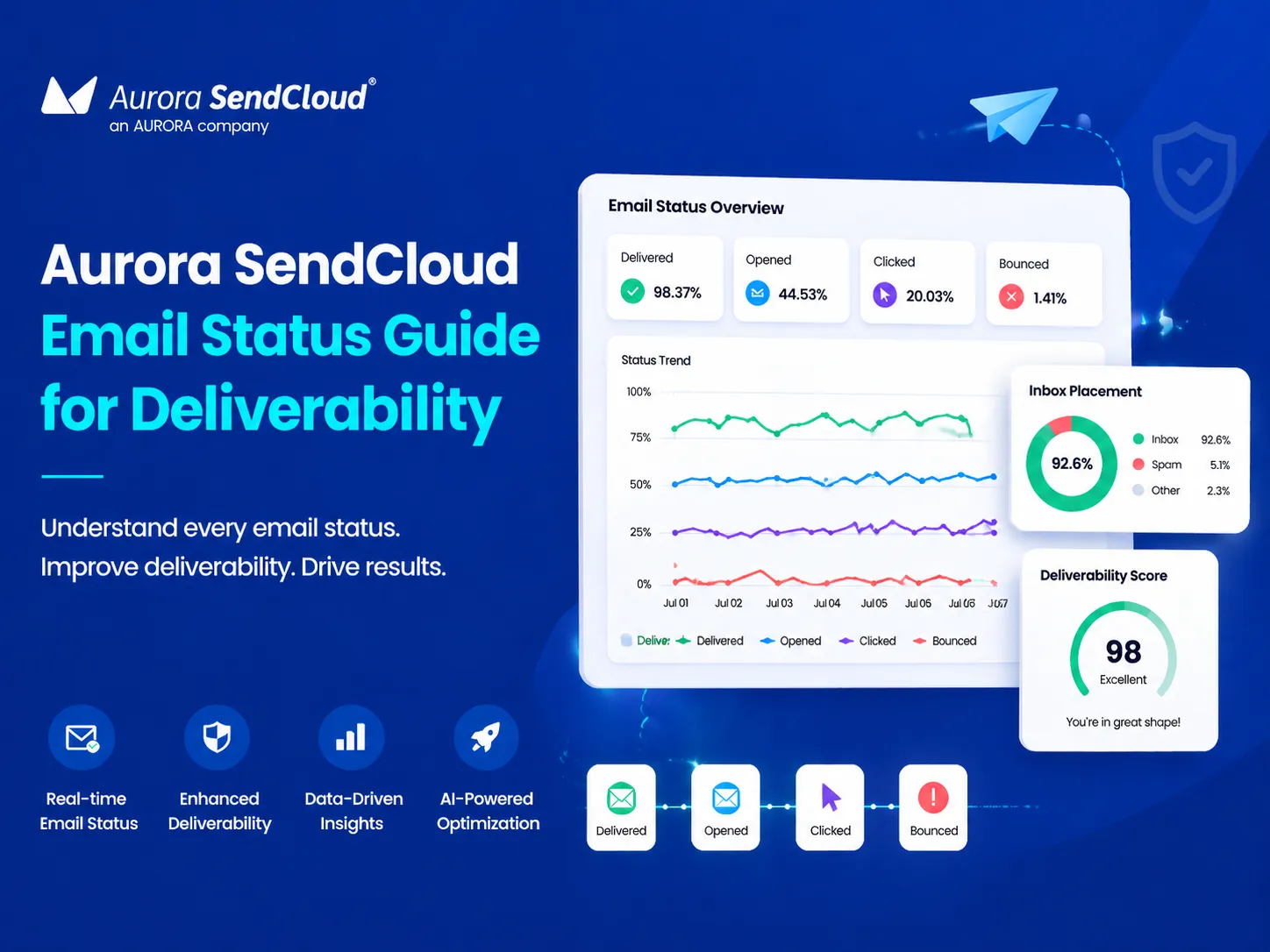
The platform improves email delivery by monitoring engagement signals and sender reputation. This helps maintain strong inbox placement.
3. Engagement Rate Monitoring and Analysis
Aurora SendCloud tracks the email engagement rate in real time. Businesses can adjust strategies based on user behavior and improve results.
4. Automated Workflow Integration
Automation features help route emails correctly. This reduces the disadvantages of no-reply addresses while keeping processes simple.
Implementation Suggestions
- Start with a small test using selected email types
- Replace no-reply emails step by step
- Monitor performance and adjust your sender address strategy
- Focus on improving email reply rates through better communication
Conclusion: Moving Toward a Smarter Sender Strategy
No-reply emails may seem easy, but they come with serious drawbacks. They reduce the email engagement rate, harm email delivery, and limit customer interaction. Businesses should aim for balance. Automation is important, but user experience matters more.
A clear and active sender address improves trust, supports communication, and builds long-term relationships. The best approach is simple: reduce the use of no-reply emails and follow the best practices for sender addresses. Use tools like Aurora SendCloud to manage your system and improve performance.
Ready to start? Begin with a dedicated platform Aurora SendCloud and build a stronger email strategy today.