Modern applications rely on email to communicate with users, alert, and update notifications. Password reset, order confirmation e-mail, login notification, and account-related messages are all assumed to have worked correctly. Managing emails on your own server often results in delivery issues, security risks, and scaling issues. Many teams suffer from spam filters, server restrictions and insufficient reporting capabilities.
The email API solves this problem by connecting the application to a professional email service provider. This guide explains what an email API is, how it works, and why developers and companies use it. Learn about key features, general use cases, and detailed comparisons of key email API services. Finally, you will know how to choose the email API suitable for your project.

What Are Email APIs?
Mail API is an interface that enables software to send, receive, and manage emails using code. Instead of running the mail server in-house, the application works with third-party mail services via an API request.
Core Concept Explained Simply
The application creates an email request in code. The email API sends the request to the email provider. Providers use their servers and tools to deliver emails. This mechanism eliminates the need to manage mail infrastructure yourself. The email API acts as a messenger between the application and the mail provider system.
Benefits of Using Email APIs
Email APIs help businesses send emails without managing complex mail servers. Instead of building everything from scratch, developers connect their applications to trusted email providers. To better manage deliverability,monitoring , and authentication, many teams rely on Aurora SendCloud to centralize email infrastructure, reduce delivery failures, and maintainsender reputation . This approach improves email delivery, reduces technical workload, and supports growth.
Email APIs also give better control over security, reporting, and automation, making them a reliable choice for modern applications.
High Deliverability and Sender Reputation
The email API provider manages a reliable sending server and IP. Protect sender ratings and help your emails reach your inbox instead of your spam folder.
Scalability and Reliability
The email API handles small to large transmissions easily. The system will continue to send mail even if traffic surges.
Security and Automation
The provider supports authentication methods such as SPF, DKIM, and DMARC. The API automates retransmission, bouncing, and error response.
Analytics and Monitoring
Most mail tools display delivery status, opening rate, click rate, bounce rate. These insights can improve email performance.
Time and Cost Savings
Developers can focus on developing product functions rather than configuring or maintaining mail servers.
Use Cases for Using APIs to Send Email
The email API supports a variety of operational scenarios, regardless of industry. Applications use Email APIsin many everyday situations. From user alerts to bulk updates, Email APIs help systems send emails in a reliable and controlled way. Developers rely on APIs to automate email tasks, respond to user actions, and manage large sending volumes. These use cases show why Email APIs are a core part of modern software products.
Transactional Emails
The application uses the transaction email API to send messages linked to user operations. Password reset, account notification, order confirmation, payment receipt, etc. are applicable. Speed and reliability are paramount in these emails.
Marketing and Bulk Campaigns
The team sends newsletters, promotions and product updates using the email API service. APIs help manage large lists, track engagement, and control transmission limits.
Application Integration
SaaS tools and internal platforms add email functionality in the API. This allows users to send messages directly from the app without opening an email client.
Email Processing and Receiving
Some email APIs also have a reception function. Applications can parse incoming messages, read attachments, and trigger actions based on content.
Best Email API Services for Developers
This section compares major email API platforms based on features, pricing systems and optimal use cases. Choosing the right email API service plays an important role in the reliability of the application. Each provider focuses on different needs, including delivery success rates, cost management, and developer tools. This section compares excellent email API services for developers based on features, use cases and ideal scenarios. The aim is to help providers choose which match their technical requirements and business goals.
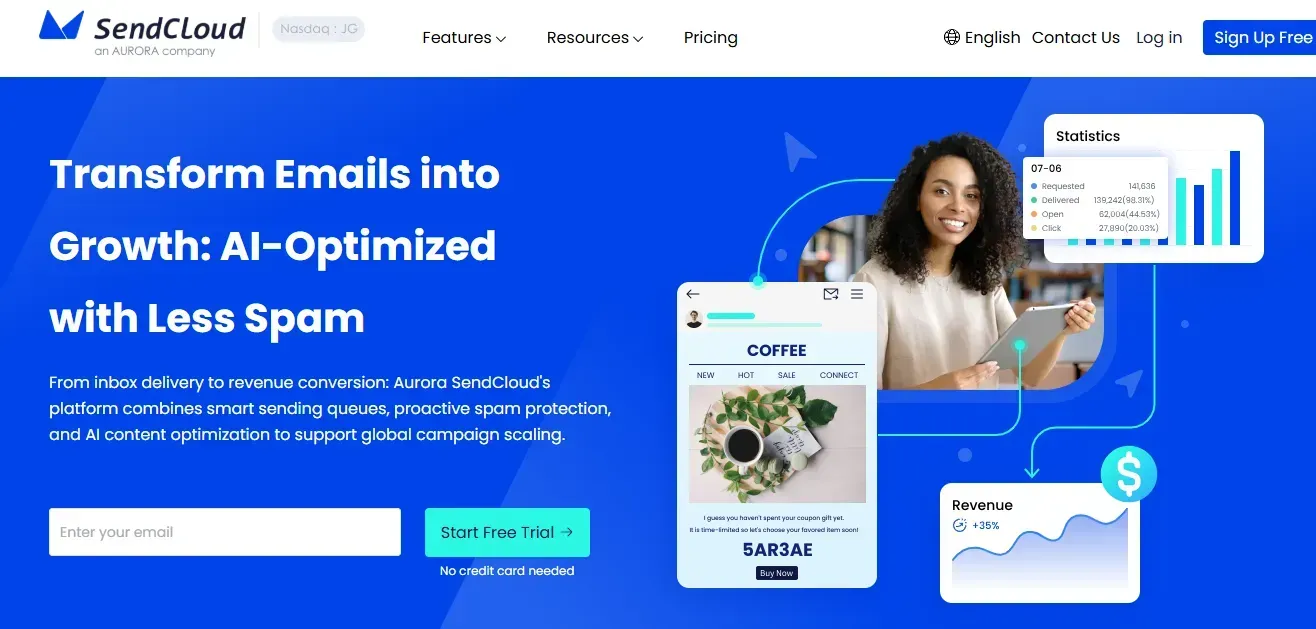
1 Aurora SendCloud – Deliverability and Integration Focus
Aurora SendCloud is an email service provider designed for teams that value inbox reaches and long-term sender ratings. Provides a clean API that supports both transaction and bulk emails. Focus on monitoring delivery status, sender evaluation tools and guided settings.
Key Features
- Strong sender reputation management
- Clear API documentation
- Distribution monitoring and alerts
- Domain and IP configuration support
Ideal For
Select Aurora SendCloud for stable delivery, guided onboarding, and risk reduction for spam issues.
2 SendGrid – The All-Rounder for General Use
SendGrid is one of the most popular email API services. Many startups and companies use it for both transaction and marketing emails. SendGrid provides powerful reporting tools and a simple integration process. Developers can start using REST API or SMTP immediately.
Key Features
- Large-capacity e-mail transmission
- Open rate and click rate tracking
- Email templates and versioning
- Webhook for real-time event
Ideal For
SendGrid is ideal for teams who want to manage both marketing and transaction emails in a single.
3 Amazon SES – Cost-Effective for High Volume Sending
Amazon SES is part of Amazon Web Services. Specializesin large-scale low-cost email transmission. SES adopts a pay-as-you-go system. Suitable for applications that send millions of emails per month.
Key Features
- Very low transmission cost
- High scalability
- Close collaboration with AWS tools
- Strong security control
Ideal For
Amazon SES is suitable for startups and companies with predictable large amounts of email transmission and AWS infrastructure.
4 Mailgun – Built for Developers Who Need Control
Mailgun is intended for developers who want to control the mail flow more finely. Supports sending, receiving, and routing emails using code. Mailgun also provides detailed logging and message inspection tools.
Key Features
- Flexible REST API
- Email reception and analysis
- Detailed delivery log
- Routing and Filtering Rules
Ideal For
Mailgun is suitable for developers who develop apps that process incoming emails and applications that require advanced routing logic.
5 Postmark – Transactional Email Specialist
Postmark only specializes in transaction emails. The platform does not support a large amount of marketing campaigns. Postmark emphasizes fast delivery and clear reporting.
Key Features
- Fast message delivery
- Clean and simple API
- Strong support support
- Transaction-specific analytics
Ideal For
One message is ideal for important apps, such as security alerts and financial notifications
6 Microsoft Graph API and Gmail API – Ecosystem-Based APIs
The Microsoft Graph API and Gmail API enable you to build apps within Microsoft and Google environments. These APIs connect directly to the user's mailbox instead of the shared sending server.
Key Features
- Access to user emails, contacts and calendars
- OAuth-based authentication
- Deep ecosystem integration
Ideal For
Use these APIs to build tools for Outlook and Gmail users, such as CRM plugins and productivity apps.
Key Features to Compare When Choosing an Email API
Choosing an Email API is not only about sending emails. The features you select affect delivery success, system stability, and long-term growth. Different providers offer different tools for security, tracking, and scaling. This section explains the key features you should compare to choose an Email API that fits your application needs. When selecting the best email API, please evaluate the following core areas.
API Reliability and Documentation
Clear documentation helps developers integrate quickly. Please check the REST API, SDK, code example.
Deliverability Tools
Check support for SPF, DKIM, DMARC and bounce processing. A good provider guides you through settings.
Analytics and Reporting
You can monitor your success and fix the problem early with delivery status, bounce, opening rate and click rate.
Scalability and Rate Limits
Make sure you can accommodate your current volume and future growth.
Pricing Model
Compare free plans, pay-as-you-go and monthly plans. Avoid choosing by price alone
Common Beginner Mistakes to Avoid
Many teams start using an Email API without fully understanding how email systems work. Small mistakes during setup or sending can lead to delivery issues, poor engagement, and blocked messages.
Beginners often focus only on sending emails and ignore monitoring, list quality, and error handling. This section highlights common mistakes to avoid when using an Email API so you can maintain reliable delivery and protect your sending reputation from the start. Many teams are facing problems because they omit basic email operations.
- Neglecting Sender Reputation
- Ignoring Analytics
- Choosing Price Over Fit
- Poor List Hygiene
- Forgetting Error Handling
Using shared IP without monitoring adversely affects delivery.
Not checking bounce or spam reports will cause long-term problems
The cheapest option may not support use cases.
Sending emails to invalid or inactive users is unreliable.
Always handles failed API requests and retries in your code.
FAQs
- What is an Email API?
- Why use Aurora SendCloud for Email API?
- How do Email APIs improve deliverability?
An Email API allows software to send, receive, and manage emails programmatically without running your own mail server.
Aurora SendCloud provides high deliverability, sender reputation monitoring, and guided setup to prevent common email delivery issues.
By integrating authentication protocols like SPF, DKIM, and DMARC, Email APIs ensure emails reach inboxes, while platforms like Aurora SendCloud monitor and optimize performance.
Conclusion
The choice of an appropriate email API shapes the reliability of the application and the trust of the user. The email API reduces the burden of server management and improves delivery results.
First, let's define a major use case. Determine whether you need a transaction email, marketing campaign , or both. Consider features, delivery tools, and pricing carefully. Many platforms offer free trials and entry plans. While several platforms offerstrong features, Aurora SendCloud stands out for its focus on inbox delivery and sender reputation.
Its clean API, monitoring tools, and guided setup help reduce spam risks and support long-term growth. The right Email API saves time, lowers risk, and scales with your application.