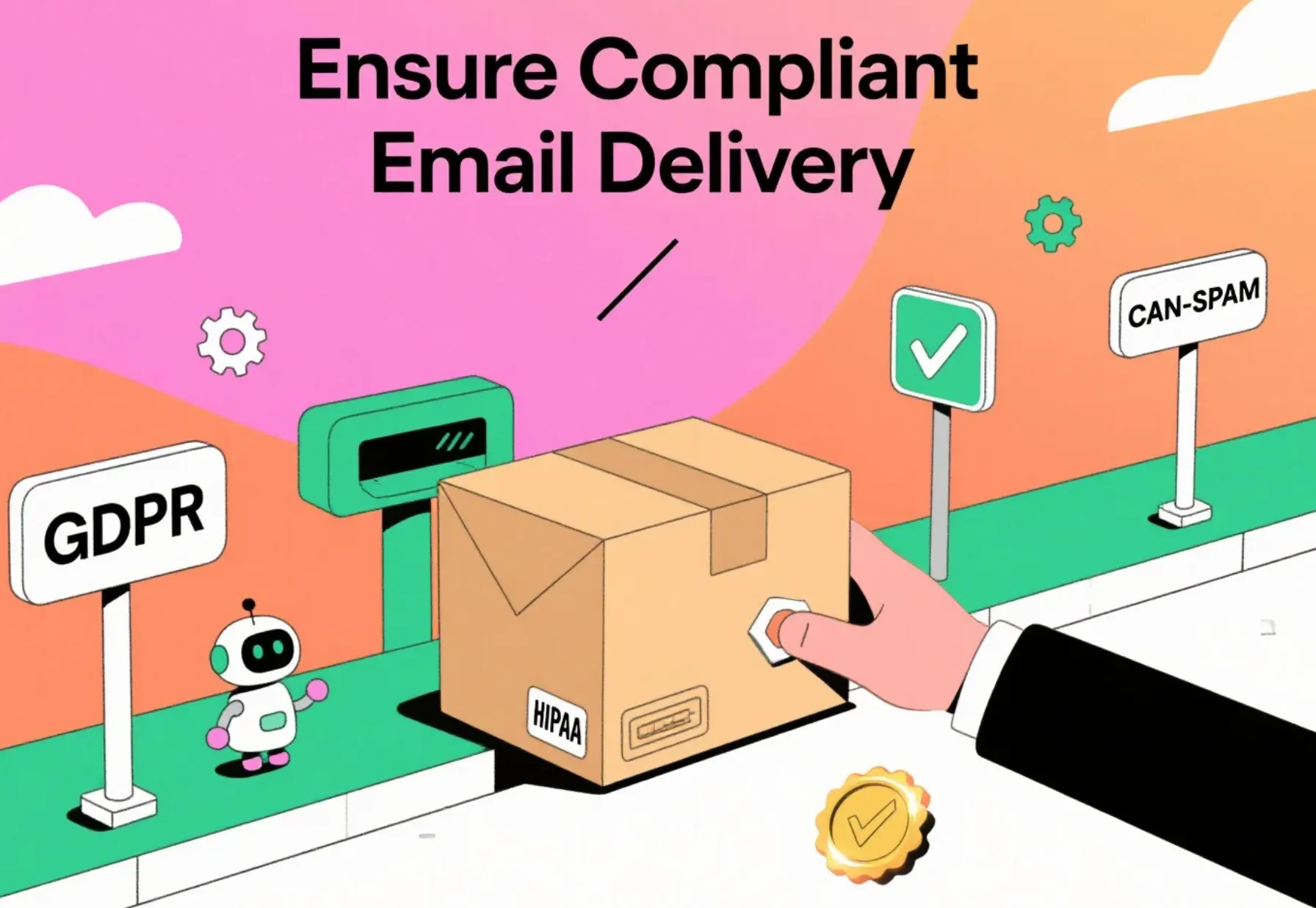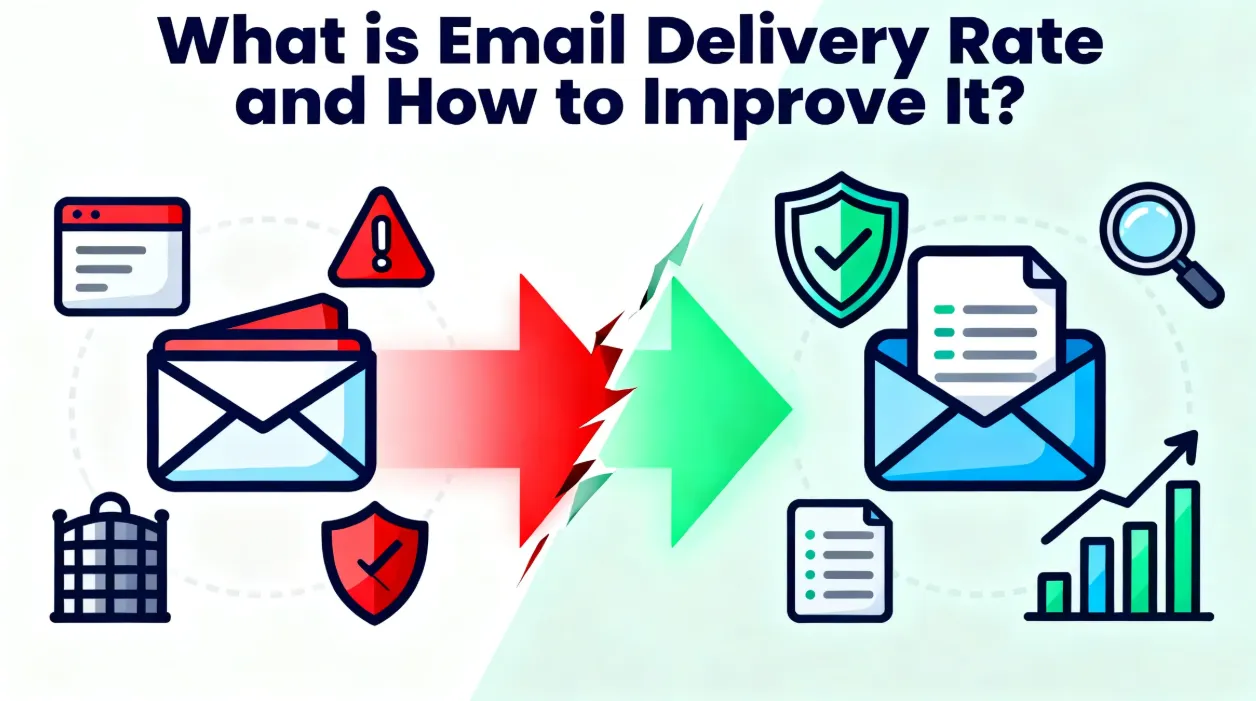


In a crowded inbox landscape, your email sender reputation acts as an invisible passport that decides whether your campaigns reach the primary tab or vanish into spam.This reputation is tightly linked to email delivery performance: when it’s high, messages sail through; when it drops, even the best offers go unseen. Below you’ll find a concise guide to understanding and improving that all-important score.

What is email sender reputation?
Your email sender reputation is closely tied to the IP address and domain you use to send emails.
Think of it as a credit score for your domain and sending IP. Mailbox providers like Gmail and Outlook constantly grade every email sender on metrics such as open rates, spam complaints, bounce levels, and sending consistency. The resulting score—usually hidden—directly influences email delivery speed and placement. Tools such as Google Postmaster Tools or SenderScore let you monitor it indirectly.
What does it mean when your email sender reputation is poor?
- Email delivery takes a big hit : A lot more of your emails hard bounced or end up in the spam folder, ,which means your email delivery rates take a big hit.
- You lose out on revenue : If users never even see your emails, they can’t click on them or take actions like making a purchase.
- People start to trust your brand less : When your emails keep getting marked as spam, subscribers will grow cautious and might not engage with you anymore.
- Fixing it takes a long time : Getting removed from blocklists and rebuilding your reputation back up can take weeks or even months.
7 tips to lift email sender reputation
-
1
Email Authentication
- Aurora SendCloud's email authentication helps recipients trust your emails more. This means fewer of your messages get rejected or marked as spam, so your emails reliably reach inboxes.
- We make secure email authentication easy by setting up SPF, DKIM, and DMARC records for your domain.
- Implementing email authentication is simple: just copy and paste (or import) the files we provide into your DNS platform. No hassle needed.
-
2
Warm Up New Domains or IPs Gradually
Start by sending small amounts of emails to your most active subscribers, then send a little more each day. This slow increase helps build a good sending history and keeps your reputation from dropping suddenly. -
3
Keep Lists Clean
Every week, delete email addresses that hard bounce (permanently can’t receive emails), role-based addresses (like info@company.com), and people who never open your emails. If less than 2% of your emails bounce, email providers will trust that you’re a responsible email sender. -
4
Spark Genuine Engagement
Split your audience into groups based on their interests or what they do (like clicking links), and tailor your content to each group. More opens, clicks, and replies tell email filters, “People want this email”—which helps more of your emails get delivered. -
5
Offer Friction-free Opt-outs
Put a one-click unsubscribe link or a List-Unsubscribe header in every email campaign. When fewer people mark your emails as spam, your reputation stays steady. -
6
Pace Your Sends
Don’t send way more emails than usual all at once—it can look like a robot attack. Stick to sending about the same number of emails every day or week. If you have a big promotion coming, send a bit more each time first, so filters can get used to it. -
7
Monitor and React in Real Time
Check your bounce rate, spam complaint rate, and reputation score every week. If any of these numbers get worse, stop sending emails for a bit, clean up your list, and fix your content before the problem gets bigger.
Aurora SendCloud simplifies email authentication for better delivery.
In the end
Maintaining a strong email sender reputation is an ongoing practice, not a one-off task. By baking these seven steps into your routine, you’ll see email delivery climb, engagement rise, and revenue follow. Remember: every send either builds or chips away at your reputation—make each one count.