Most people still use a basic email signature just a name, phone number, maybe a company name. It sits there like a label. No movement, no purpose beyond contact details. Now compare that to a well-built professional email signature that includes branding, a clear message, and a call to action. It quietly works in the background on every email you send.
Here’s the simple truth: every email you send is a chance to market your business. And your email signature is the only part that shows up every single time. Think about this. An average employee sends 30–40 emails per day. Over a month, that’s nearly 1,000 impressions. Multiply that by your team, and suddenly your email marketing reach grows without spending extra money. That’s why a digital business card built into your signature can do much more than just share your contact info it can guide people to act.
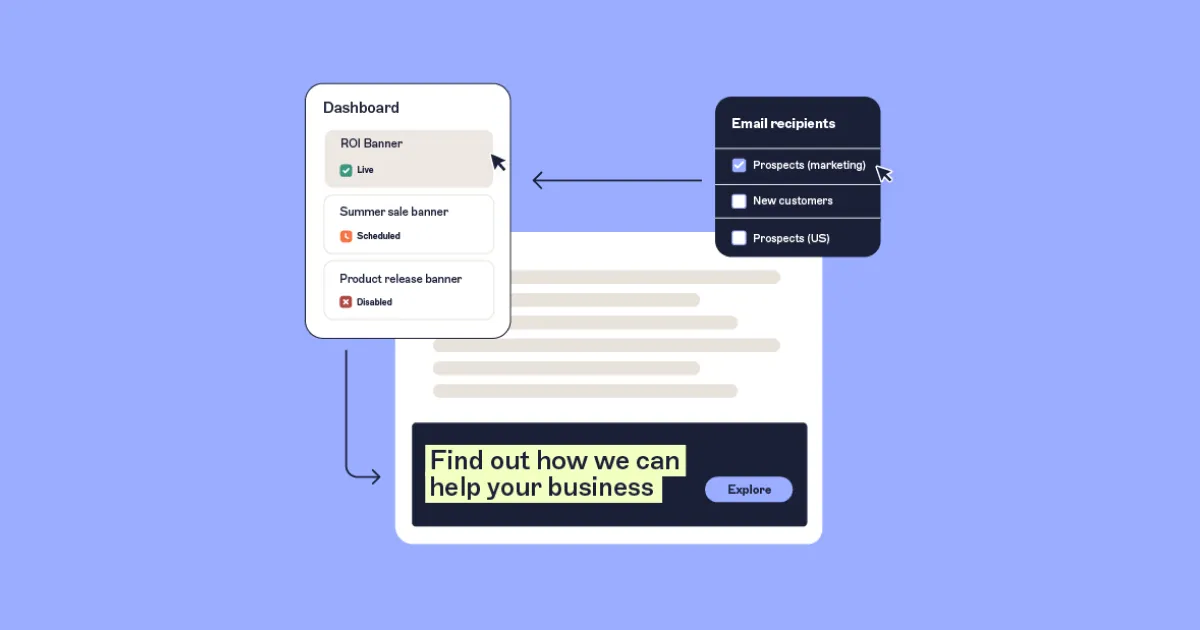
Why Your Email Signature Is a Strategic Marketing Asset
A good email signature does more than finish your message. It quietly supports your business goals every time someone reads your email. I’ve seen businesses ignore this for years, then suddenly realize they’re missing easy conversions.
It Builds Professionalism and Trust
When someone sees a clean and complete professional email signature, they feel more confident replying. It shows you’re serious about your work. People trust details. A name alone feels incomplete. Add your role, company, and contact info, and suddenly your email feels real.
It Keeps Your Brand Consistent
Every email becomes part of your branding. With the right layout, colors, and logo, your email signature marketing stays consistent across your whole team. That consistency matters more than people think. It helps people remember you.
It Drives Measurable Action
A strong digital business card inside your signature can push users to visit your site, book a call, or read your content. You can track clicks. You can test links. That means your email marketing becomes measurable not just guesswork.
It Offers High ROI Without Extra Cost
You’re already sending emails. So why not make them work harder? Unlike ads, your email signature doesn’t cost anything extra. Yet it can bring steady traffic and leads over time.
Core Elements of a High-Converting Email Signature
If you’re wondering how to create a professional email signature that actually works, it helps to think in layers. Each layer has a purpose, and together they build trust and action.

Foundation Layer: Build Trust First
Before anything else, your professional email signature must feel complete and reliable. This is your base. Without it, everything else falls apart.
- Full name and job title
- Company name
- Direct phone number
- Website link
These simple details turn your email signature into a proper digital business card. I’ve seen many people skip the job title. That’s a mistake. People want to know who they’re talking to.
Brand Reinforcement Layer: Make It Recognizable
Once the basics are set, you strengthen your brand. This is where your email signature marketing starts to feel consistent.
- Company logo
- Brand colors and fonts
- Professional headshot
A headshot can make a big difference. It adds a human touch. People respond better when they see a face.
Marketing and Conversion Layer: Drive Action
This is where things get interesting. A well-planned email signature can guide users toward action without feeling pushy. You don’t need too many elements. Just the right ones.
- A short offer or tagline
- Link to your latest content
- Social media icons
- Campaign banners (use carefully)
- Clear CTA (like “Book a Call”)
When done right, this turns your signature into a working part of your email marketing system.
Legal Compliance Layer: Stay Safe
Depending on your business and region, some details are required. Ignoring this can create issues later, especially for larger companies.
- Registered business address
- Company registration details
- Required disclosures
Even if you run a small business, adding these details makes your professional email signature look more complete.
Email Signature Design Best Practices That Actually Work
A well-designed email signature does more than look clean it helps people notice and act. Even if your message is strong, a poor layout can distract readers and reduce clicks, making your email signature marketing less effective.
Visual Design Principles
A clean structure always wins. People don’t spend much time reading signatures, so clarity matters.
- Keep a clear hierarchy
- Use limited colors
- Make links easy to tap on mobile
A cluttered email signature confuses readers. Simplicity helps your email signature marketing perform better.
Technical Implementation
This part gets ignored often, but it can break your signature if done wrong.
- Use properly hosted images
- Keep image sizes small
- Use responsive HTML
- Test on Gmail, Outlook, and Apple Mail
Different platforms show signatures differently. If you skip testing, your digital business card might look broken.
Content Strategy
Your signature should not stay the same forever. You can update it based on your current goals.
- Rotate offers regularly
- Add personal touches when needed
- Use simpler versions for replies
This keeps your email marketing fresh without extra effort.
Common Pitfalls That Reduce Your Email Signature Performance
Even a well-designed professional email signature can fail if you make simple mistakes. I’ve seen businesses lose leads just because of small issues.
Technical Mistakes
- Hosting images on personal storage
- Using heavy HTML code
- Ignoring email client differences
If your logo doesn’t load, your email signature loses impact immediately.
Strategic Mistakes
- Showing outdated offers
- Adding too many social links
- Using links you can’t track
A messy email signature marketing approach confuses users instead of guiding them.
User Experience Issues
- Large images slow loading
- Complex layouts break easily
- Poor color contrast hurts readability
A simple, fast, and clear digital business card always works better.
Recommended Email Signature Tools & Platforms
The selection of a tool can be the key to the effectiveness of your email signature marketing. Here are tools with straightforward design, and those with complete team, campaign, and tracking control. The following are high quality research tools that can be used in various applications, including individuals and large corporations.
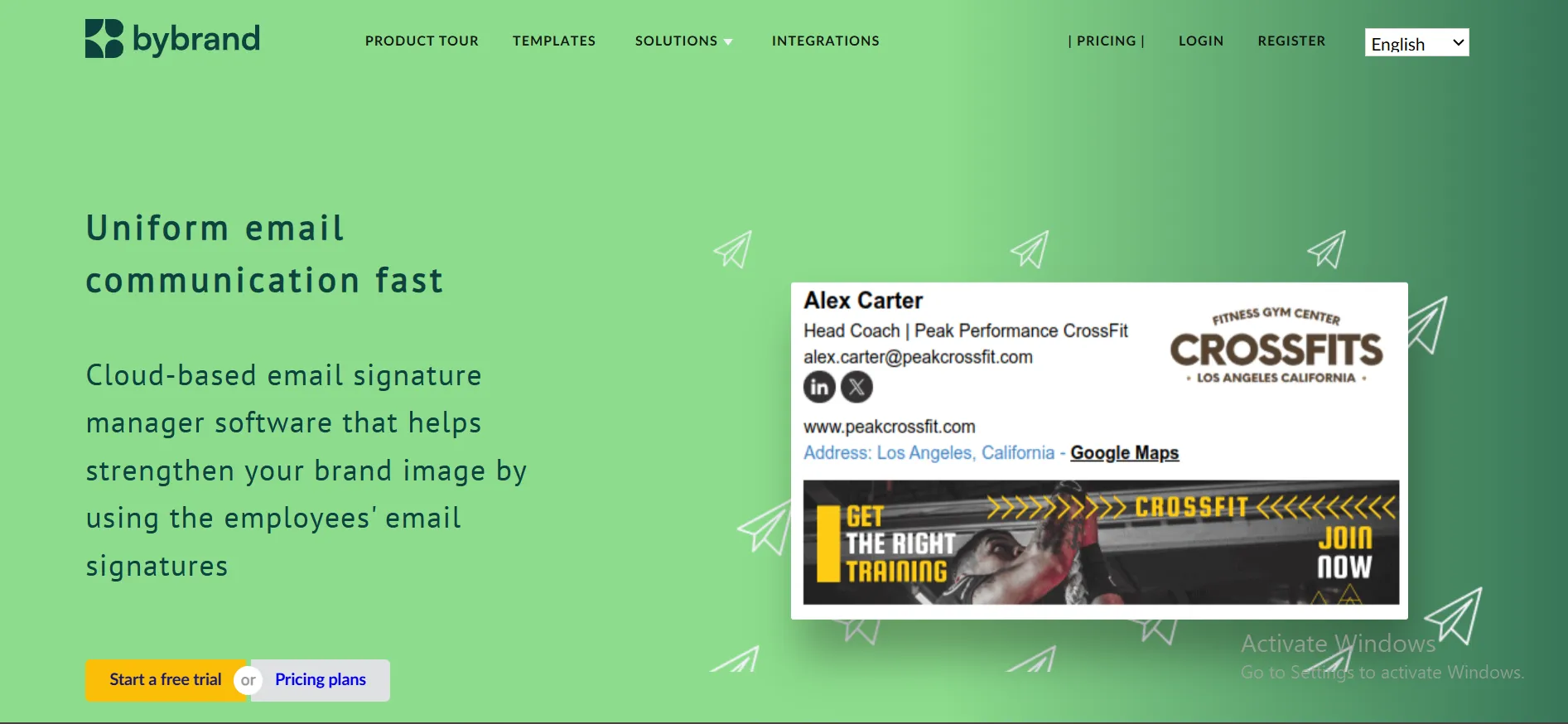
Bybrand
Bybrand is beneficial to companies that desire to have easy control of team-wide email signatures without any heavy configuration. It is a cloud-based system that allows you to generate, update and maintain signatures at a single location. Banners can be added, campaigns monitored and branding can be maintained throughout the workforce. It also has a reporting option, which will assist in measuring clicks, and enhancing your email marketing over time.
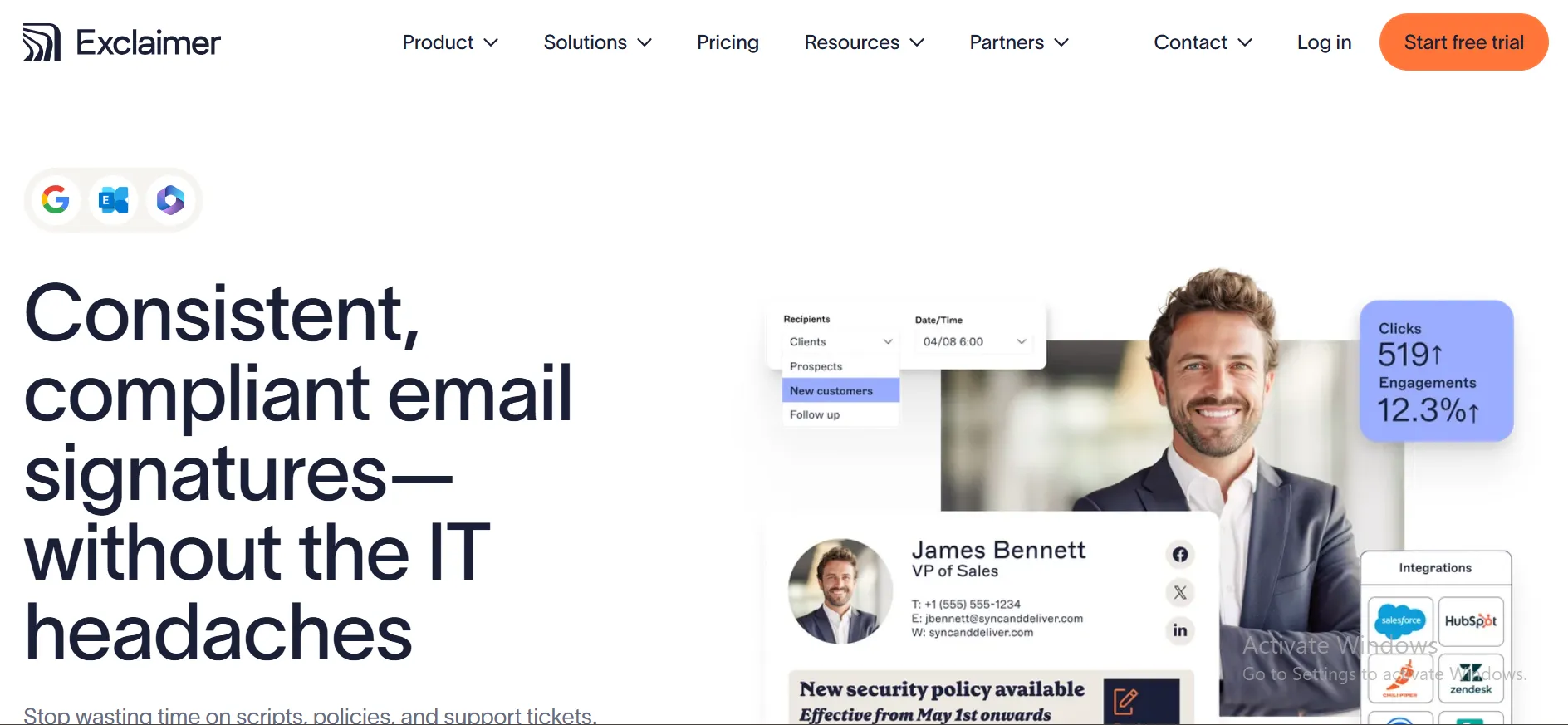
Exclaimer
Exclaimer is constructed on firms with robust control and compliance. It is compatible with Microsoft 365 and Google Workspace and enables a centralized control of signatures across teams. It allows businesses to maintain branding consistency and automates updates automatically, without manual intervention. Thousands of businesses trust it and it is effective in managing large teams with secure and reliable professional email signatures.
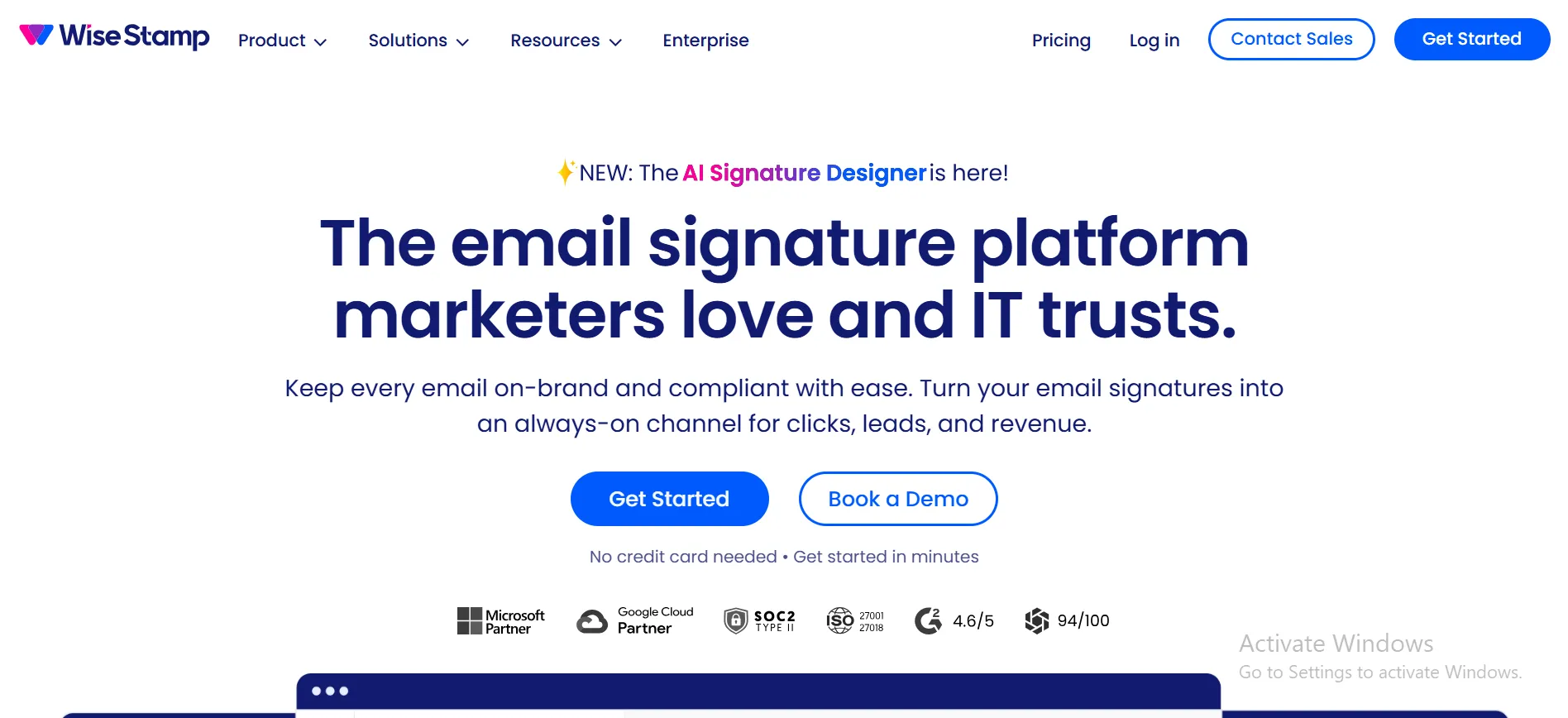
WiseStamp
Freelancers and small businesses are fond of WiseStamp due to its simplicity and the ability to install it in a short amount of time. It favors banners, reservation links, and social icons and is a good option in email signature marketing. It is also compatible with the team-wide management and other large email providers, such as Gmail and Outlook. More than a million users are using it and this demonstrates its practicality in everyday use.
MySignature
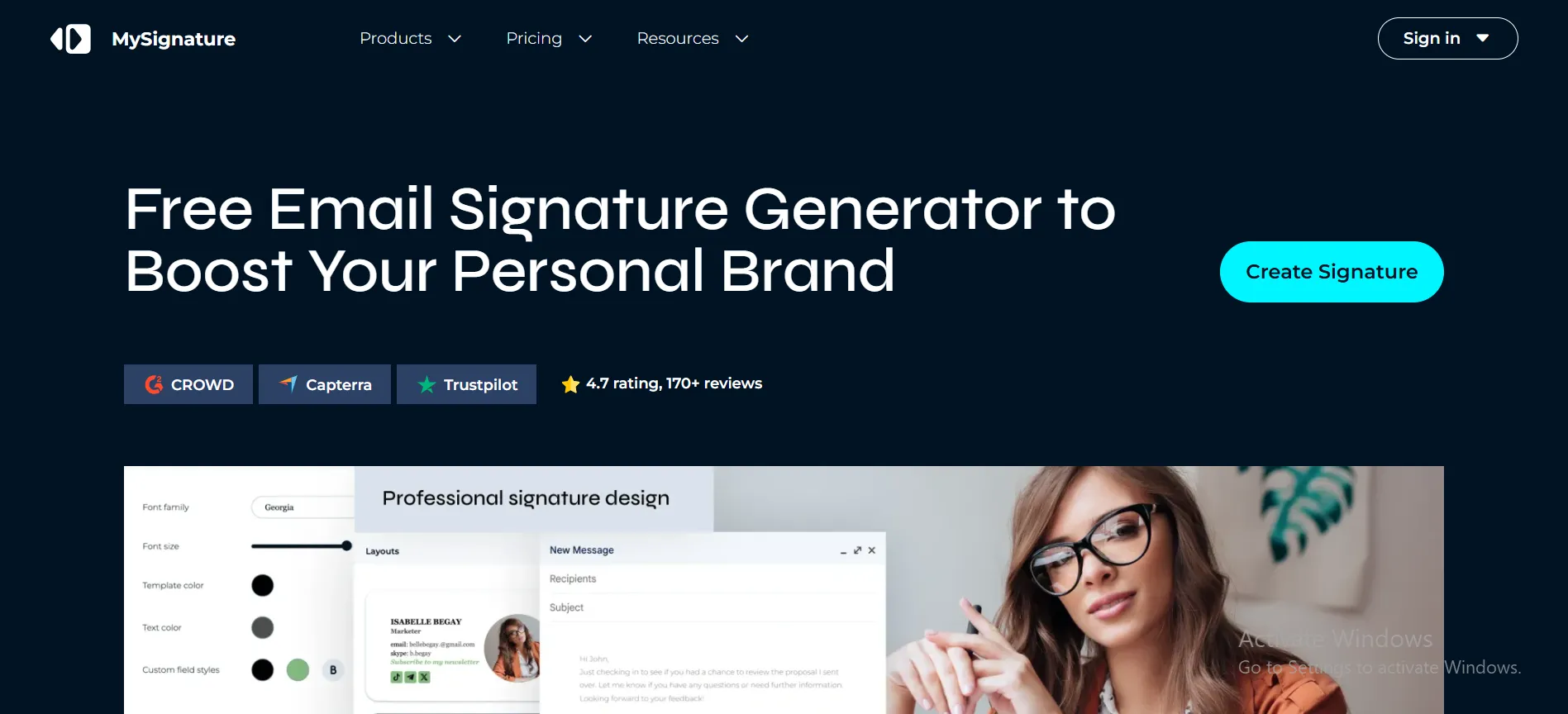
MySignature is an easy and low priced service to individuals and small groups. It is concerned with simple design and installation without technical processes. One can create a professional email signature with templates, social links, and can customize branding features. Freelancers and small businesses often prefer it due to its flexible pricing and a simple process of producing a clean digital business card.
Newoldstamp
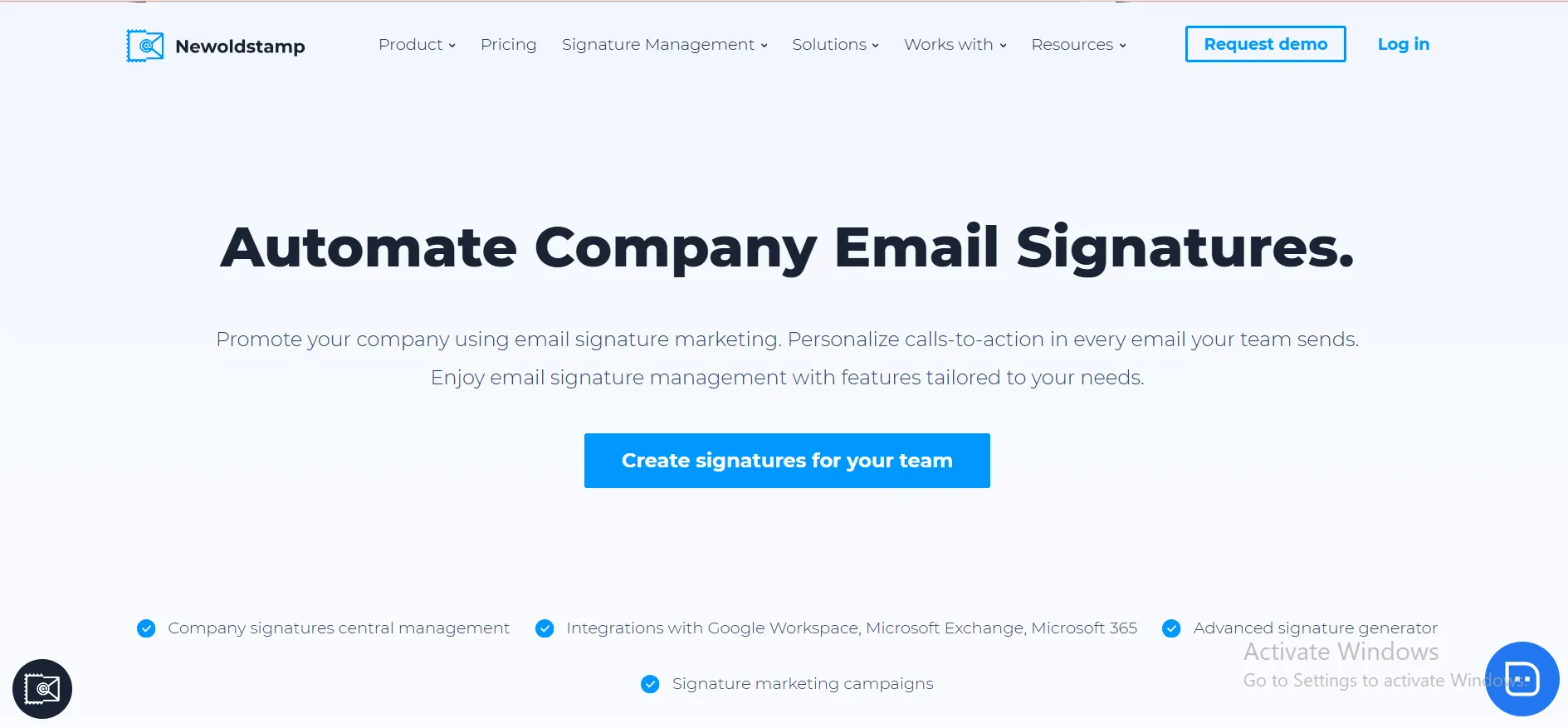
Newoldstamp is unique in its ability to customize and brand. It enables companies to create comprehensive email signatures by using banners, CTAs and marketing messages. This is why it can be used in those companies that plan to convert signatures into conversion tools. It can be integrated with various email clients and provides templates that aid in brand consistency and enhance visibility and participation in email marketing campaigns.
Small teams → WiseStamp or MySignature
Growing businesses → Bybrand or Newoldstamp
Large companies → Exclaimer
Marketing-focused use → Newoldstamp or WiseStamp
Conclusion: Start Treating Your Email Signature Like a Marketing Tool
Most people still treat their email signature like a formality. But it’s one of the easiest ways to improve your email marketing results without extra cost. A well-built professional email signature works every day. It builds trust, keeps your brand consistent, and drives clicks quietly in the background.
If you’re serious about growth, don’t ignore this small detail. Take a few minutes to review your current digital business card setup. Update it. Add a clear message. Test your links. Because the next email you send could be more than just a message it could be a conversion.