Sending a few emails from your personal inbox is easy. But sending hundreds or thousands? That’s a whole different story. According to a study, 64.6% of companies say email deliverability directly affects their revenue. Most people don’t realize that bulk sending has strict rules. If you ignore them, your emails can get blocked, flagged as spam, or even land you on a blacklist. And once that happens, climbing back out is tough.
That’s where a real bulk email sender comes in. A bulk sender is a platform built to send large numbers of emails safely, quickly, and in full compliance with global rules. It uses smart tools, clean IPs, and authentication to help your messages reach the inbox.
At Aurora SendCloud, we designed our system to make bulk sending simple. You get strong deliverability tools, flexible APIs, dedicated IP support, real-time analytics, and built-in authentication everything you need to send at scale without stress. In this article, you’ll learn why personal emails fail, what bulk email requirements matter most, and the key steps you need to take to run a successful mass email service without getting blocked. Read on to learn more.
Why Personal Emails Fail for Mass Sending
You may think, “Why not just use my Gmail or Outlook? It works for everyday email.” But for bulk sending, personal inboxes fall apart fast. Here’s why:
ISP Sending Limits
Email platforms set strict limits to stop spam:
- Gmail: 500 emails/day
- Outlook/Yahoo: 100 emails/day
Once you hit these email sending limits, you get warnings or temporary blocks. Keep pushing, and you’ll face long-term restrictions.
Reputation Risks
Personal IPs aren’t meant for bulk sending. They don’t have a sending history or trust score. So even if your content is clean, high sending volumes make ISPs suspicious. That can lead to:
- Instant spam filtering
- High bounce rates
- IP blacklisting
No Analytics or Testing Tools
Bulk sending isn’t just about sending. It’s about tracking:
- Who opened
- Who clicked
- Which subject line performed best
- Which segment engaged more
Personal inboxes don’t offer any of this. Without insights, you’re flying blind. This is why you need a real mass email service, not a personal inbox.
What Are the Bulk Sender Requirements
To send bulk emails safely and effectively, you need to meet these core bulk email requirements. Think of them as your foundation.
Technical Setup
Before you send emails at scale, you need a strong technical foundation so inbox providers know who you are and trust your messages.
1 Domain Authentication (SPF, DKIM, DMARC)
These are essential email authentication protocols. They prove your emails are real and authorized.
- SPF (Sender Policy Framework): Lists which servers can send emails for your domain.
- DKIM (DomainKeys Identified Mail): Adds a digital signature, proving your email wasn’t changed.
- DMARC: Tells inboxes what to do if SPF or DKIM fails.
If these records aren’t set in your DNS, your emails will get blocked long before reaching the inbox.
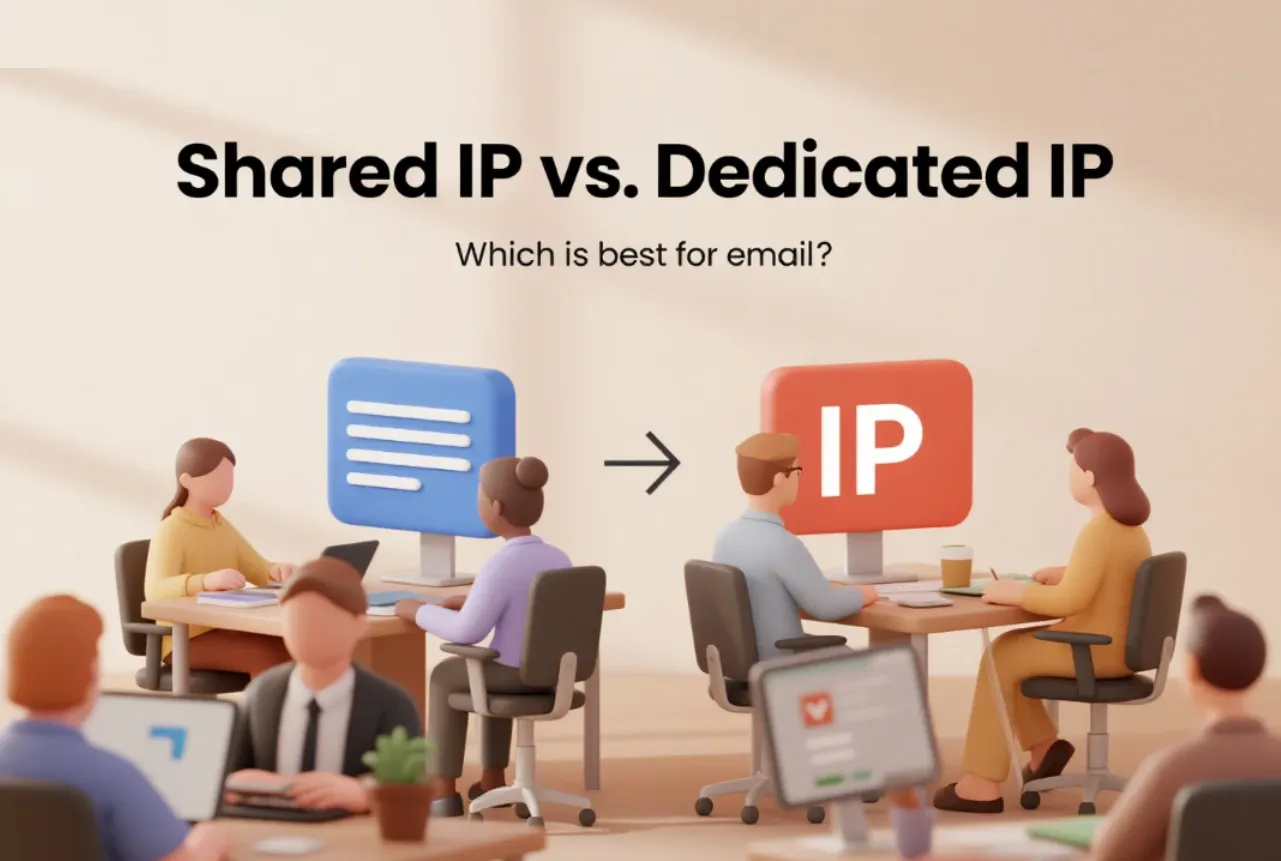
2 Dedicated IP vs Shared IP
- Shared IP: You share a server with other senders. It’s fine for small volumes, but your reputation depends on others.
- Dedicated IP: You control your own reputation. Perfect for high-volume senders.
However, dedicated IPs need warm-up. You must start slow and increase volume over weeks.
Aurora SendCloud provides both options and guides you through the warm-up process so your IP builds trust safely.
Platform Features to Look For
Once your technical setup is in place, the next step is choosing a platform with the right tools to keep your bulk sending safe, compliant, and easy to manage.
1 Compliance Tools
Your platform must support:
- GDPR rules
- CAN-SPAM laws
- Automatic unsubscribe links
- Sender ID transparency
If not, you risk legal penalties and deliverability issues.
2 Real-Time Analytics and A/B Testing
A modern platform gives you:
- Open and click tracking
- Bounce and spam data
- Time-based engagement
- Mobile vs desktop stats
- A/B testing for subject lines and content
All of this is essential for improving your results. Aurora SendCloud includes full analytics so you can spot issues fast and adjust with confidence.
Key Considerations for High Deliverability
Getting great deliverability doesn’t happen by luck. It comes from following a set of smart, steady steps. Think of this section as your roadmap. If you follow these five areas carefully, you’ll avoid blocks, reach more inboxes, and build a stronger sender reputation over time. Below are the most important practices for anyone using a bulk email sender.
Email Authentication Protocols
Email authentication is like showing your ID before entering a secure building. If inbox providers can’t verify who you are, they won’t trust your messages. That’s why SPF, DKIM, and DMARC matter so much. Let’s break them down in simple terms.
1 SPF (Sender Policy Framework)
SPF tells inbox providers, “These are the servers allowed to send emails from my domain.”
If an email comes from a server not listed in your SPF record, inboxes flag it as suspicious. Without SPF, your domain is wide open to spoofing and blocks.
2 DKIM (DomainKeys Identified Mail)
DKIM adds a digital signature to your emails. It works like a tamper-proof seal. If someone tries to change your email along the way, inboxes reject it. This boosts your credibility and makes your emails safer and more trusted.
3 DMARC (Domain-Based Message Authentication, Reporting and Conformance)
DMARC brings SPF and DKIM together. It tells inboxes exactly what to do when an email fails authentication:
- Let it pass
- Quarantine it
- Reject it
DMARC also gives you reports so you can see who is using (or misusing) your domain. With Aurora SendCloud, you get guided setup for SPF, DKIM, and DMARC so you can get everything right the first time.
List Hygiene and Segmentation
Your email list is the heart of your sending reputation. If it’s full of old, invalid, or uninterested contacts, your deliverability drops fast. A clean list, on the other hand, boosts open rates and reduces spam signals.
Keep your list clean
Make sure you remove:
- Bounced addresses
- Fake or temporary emails
- Inactive subscribers
- Spam traps
Sending to bad contacts is one of the fastest ways to ruin your deliverability. Aurora SendCloud helps you detect bounce patterns and clean your list automatically before they cause damage.
Segment Your Audience
Not everyone on your list should get the same message. People engage differently, so grouping them helps you deliver the right content to the right people.
You can segment by:
- Past engagement
- Purchase behavior
- Activity level
- Region
- Interests
This leads to better results because people get messages they actually want.
Warm-Up and Sending Volume
Sending in bulk doesn’t mean sending everything at once. If you blast thousands of emails on day one, inboxes will assume you’re spamming even if your list is clean. That’s why warming up your domain or IP is essential.
Start Slow and Build Up
A safe warm-up schedule looks like this:
- Days 1–3: Send 50–100 emails per day
- Week 2: Gradually increase volume by 20–30%
- Weeks 3–6: Continue increasing slowly based on engagement
Avoid Sudden Spikes:
Rapid jumps in volume are red flags. If you normally send 200 emails a day but suddenly send 10,000, spam filters wake up immediately. Aurora SendCloud provides warm-up guidance so you can increase volume safely and build a solid reputation over time.
Content and Engagement
Your content plays a big role in whether your email reaches the inbox. Even with perfect authentication and warm-up, poor content signals can still land you in spam.
Avoid Spam Trigger Words:
Certain phrases raise spam suspicion, such as:
- “FREE!!!”
- “Act now!”
- “LIMITED TIME”
- “URGENT”
Also avoid:
- Excess punctuation
- All caps
- Misleading subject lines
- Use short paragraphs
- Have readable fonts
- Include clean CTAs
- Load fast on mobile
- Inbox placement rate
- Spam placement rate
- Bounce rate
- Open rate
- Unsubscribe rate
- Complaint rate
- Test spam scores
- Preview inbox placement
- Identify authentication problems
- Check sender reputation
Keep your tone natural, friendly, and clear.
Optimize for Mobile:
More than 50% of all emails are opened on mobile devices. If your content isn’t mobile-friendly, readers delete it, hurting your engagement and deliverability.
Make sure your emails:
Good engagement tells inbox providers your messages are wanted.
Monitoring and Adjustments
Even the best senders need to check performance regularly. Deliverability isn’t a one-time setup; it’s an ongoing process.
Track Key Metrics:
Here’s what you should monitor weekly:
If any of these spike, it’s a sign to make adjustments.
Use Testing Tools:
Tools like GlockApps help you:
Aurora SendCloud gives you real-time analytics and detailed reports so you can spot issues early and fix them before they hurt your reputation.
Common Beginner Mistakes to Avoid
These mistakes are small but deadly. Avoid them at all costs.
1. Skipping Authentication: Some users think a “verified domain” is enough. But without SPF, DKIM, and DMARC, inboxes won’t trust your messages.
2. Ignoring Bounces: Sending repeatedly to bad addresses destroys your reputation. Remove bounced emails right away.
3. No Warm-Up: Jumping from zero to 10,000 emails on a new IP is a guaranteed path to spam folders.
4. Weak List Hygiene: Old, inactive, or purchased lists cause trouble. Clean your list every month.
Avoiding these mistakes helps you stay safe and build long-term deliverability.
Final Thoughts
Bulk sending isn’t just about volume; it’s about trust, setup, and strategy. Personal inboxes simply can’t support safe bulk sending. They have strict limits, weak control, no analytics, and high risk. A real bulk email sender gives you strong deliverability, scalable sending, domain protection, warm-up support, and smart tracking. It helps your messages reach the people who want to read them.
At Aurora SendCloud, we make bulk sending simple. You get automated authentication, global deliverability tools, deep analytics, flexible APIs, and a system built to help you grow without fear of blocks. Ready to send at scale? Start with a dedicated mass email service using Aurora SendCloud and deliver every message with confidence.