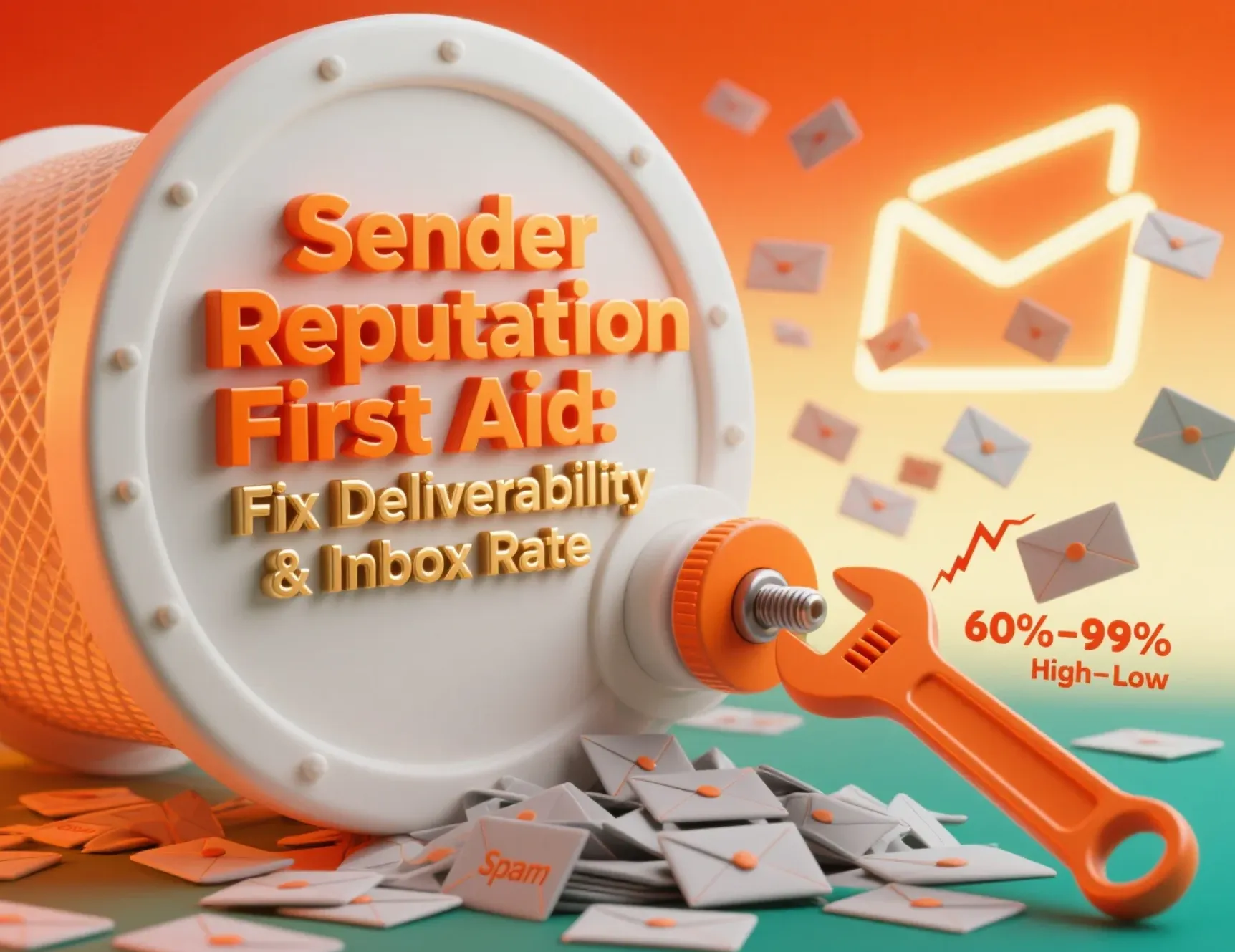
Email is one of the few marketing channels where you can do everything "right" and still get poor results. You can have a clean design, reasonable offers, and strong timing; yet open rates drop for no apparent reason. Most teams eventually realise the problem isn't inside the email. The problem sits outside it, in how mailbox providers judge your sending history.
That judgment is your sender reputation.
If it's strong, your messages land where they should.
If it weakens, even high-quality emails start slipping into spam or low-visibility tabs.
This guide explains what actually shapes your reputation, how mailbox providers think, and what you can do every week to keep your
email deliverability
steady.The tone here is practical. No shortcuts, no magic switches. Just what works in the real
email market, where inbox space is limited and competition is high.
What Sender Reputation Means
Think of sender reputation as a credit score for your email program.
Mailbox providers track how your emails perform over time. They watch how real people react to your messages.
That data builds a score for your domain and IP address.
If subscribers open, click, and keep your emails, your sender reputation sender reputation inbox placement more than any single subject line or "hack".
Mailbox providers use many signals:
- Who do you send to
- How often do you send
- How clean is your list?
- How safe do your messages look from a spam avoidance point of view
How Mailbox Providers Judge You
1. Email Authentication: SPF, DKIM, DMARC
These protocols exist to stop impersonation. Providers check them every time you send.
- SPF tells them which servers can send on your behalf.
- DKIM gives them a digital signature to verify the message.
- DMARC adds policies and reporting to ensure everything is in order.
Missing or broken records hurt your email deliverability regardless of content. Many deliverability issues start here, not with design or copy.
2. Engagement Signals
Mailbox providers analyze how real people behave with your email. This helps them understand whether you are sending wanted content or content that gets ignored.
Positive behavior (opens, clicks, replies) helps.
Negative behavior (deleting without reading, ignoring for weeks, marking as spam) hurts.
It's not complicated. If most people interact with your emails, your sender reputation improves. If they skip or delete, their reputation slowly declines.
3. Bounce Rates and List Health
Poor list quality is a significant reason reputations collapse. High hard-bounce rates signal to mailbox providers that your email collection process is sloppy or outdated. They also watch for spam traps, which signal that you're sending to unverified or purchased lists.
A single spam trap hit won't destroy you, but repeated hits will.
4. Sending Patterns
If you send in a stable, predictable rhythm, filters treat you as a responsible sender. Sudden volume spikes are treated with caution.
A common mistake is pausing sending for weeks and then blasting the entire list at once. Providers view this as risky behavior and adjust filtering accordingly.
5. Complaint Rates
Spam complaints carry a lot of weight. Even a small number can damage your sender's reputation.And once complaint rates rise, it becomes tougher to restore trust.
Why Sender Reputation Affects Your Revenue
A strong reputation gives you better inbox placement, which improves visibility. Once visibility rises, everything else rises with it — opens, clicks, and conversions. Your list becomes more valuable without increasing your spend.
A weak reputation quietly does the opposite. You "send" campaigns, but most subscribers never see them. Teams often blame content, but the content was never the issue.
In most industries, a modest improvement in email deliverability can significantly increase monthly revenue. That's why reputation isn't just a technical topic. It's a business topic.
How to Build Sender Reputation Step by Step
Step 1: Strengthen Your Technical Setup
A clean technical setup provides a strong foundation. Without it, you will always struggle with filters.
Set Up Authentication Correctly
Implement SPF, DKIM, and DMARC.
Review them a few times a year to make sure nothing has broken.
Use Dedicated Sending Domains
Marketing emails should not be sent from the same domain that handles your login codes or receipts. Separating them protects critical messages in case of issues.
Warm Up Slowly
Warm up your domain or IP by sending to small, engaged segments first.
Volume should grow gradually, not overnight.
Keep DNS Clean
A surprising number of reputation problems come from outdated or conflicting DNS records. Review them periodically.
Step 2: Improve Content and Engagement
Mailbox providers consider engagement because it reflects genuine interest. Better engagement leads to a better reputation.
Write Straightforward Subject Lines
Clear subject lines generally perform better over time than dramatic or clickbait ones. Clear lines reduce complaints, and complaints matter far more than a temporary bump in opens.
Send Predictably
People behave better toward emails they expect.
Set a consistent cadence and stick to it.
Encourage Replies
Reply signals are treated as strong positive engagement.
Even one reply per 100–200 emails helps.
Provide Useful Content, Not Just Promotions
Mailbox providers look for patterns. If your emails only sell and never help, some segments will disengage. Disengagement can pull your metrics down.
Keep Templates Simple
Heavy designs, multiple tracking tags, and too many links sometimes trigger filters. A lighter structure is often safer.
Step 3: Manage Your List with Care
Your list is not just a collection of email addresses. It is a data set that shapes your reputation every day.
Use Confirmed Opt-In
Double opt-in ensures the subscriber is genuine and interested. It reduces bounces and prevents spam traps from sneaking in.
Clean Inactives Regularly
Inactive subscribers pull down your engagement rates.
If someone has not opened or clicked for months, they are lowering your average open rate.
Segment Based on Interest
Different groups behave differently. Send more often to engaged groups and carefully to colder groups.
Stop Sending to Dead Contacts
If someone hasn't opened in 90–120 days, suppress them or put them into a re-engagement sequence. Do not blast them with regular campaigns.
Avoid Purchased Lists Entirely
Purchased lists are the fastest way to sink a domain.
They usually contain invalid addresses, complaints, and traps.
Monitoring and Keeping Your Reputation Strong
A good reputation is not a one-time achievement. It's something you protect slowly, through small weekly habits that prevent problems from turning into full-blown deliverability failures. Many teams only check their metrics when something breaks, but by then the damage is already done. A simple routine and just a few minutes every week can catch early warning signs and keep your domain in good standing.
Use Reliable Tools
- Gmail Postmaster Tools
- Microsoft SNDS
- Your ESP's reputation dashboard
- Third-party services that monitor provider responses
Gives insight into domain reputation, authentication issues, and user feedback signals.
Helps you understand how Outlook and Hotmail handle your mail, including spam complaints and filtering behavior.
Most email platforms now provide deliverability insights. These may not be perfect, but they highlight day-to-day changes.
These tools offer deeper visibility into areas that ESP dashboards often miss, particularly technical errors and blocklist issues.
Together, these tools give you a clearer picture of where problems might be forming — long before they show up in your open rates.
Weekly Health Review
Look at:
- Authentication passes (any sudden failures must be fixed immediately)
- Bounce rates, tough bounces
- Complaint rate and where complaints are coming from
- Delivery errors or provider-specific warnings
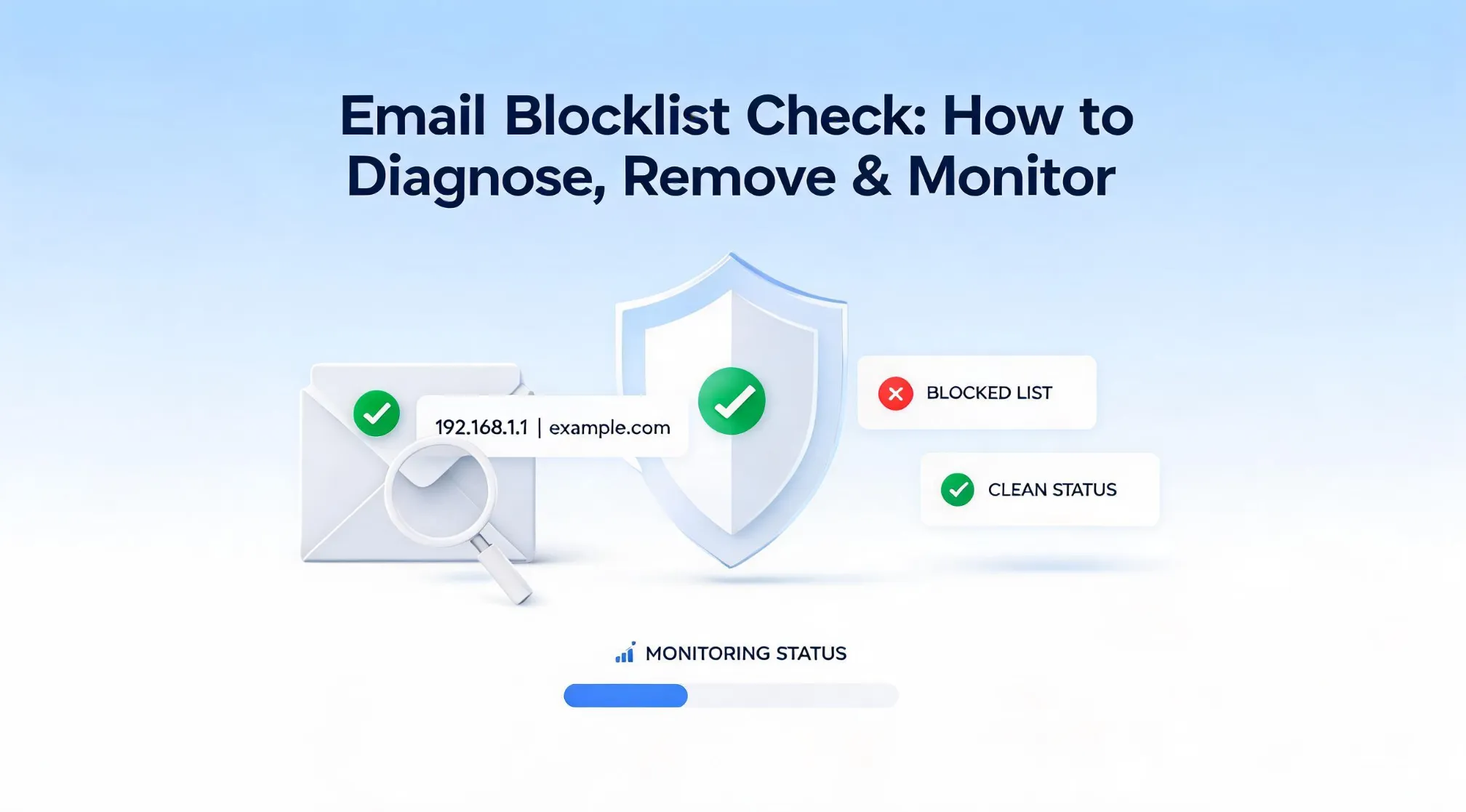
- Blocklist checks for both your domain and sending IP
- Engagement by segment ,so you can spot segments that are cooling off
Most teams can complete this review in under 10 minutes. It's a small investment that saves months of recovery work later.
Troubleshooting Deliverability Drops
If your metrics fall suddenly, work through this list:
- Did you add a new list source?
- Did you send to a segment that hasn't heard from you in a long time?
- Did engagement drop across all segments or just one?
- Did DNS changes break SPF or DKIM?
- Did your content, linking pattern, or email structure change?
- Are complaint rates climbing or concentrated in specific campaigns?
When things look off, pause large sends. Continue sending only to your most engaged users. This protects your sender reputation while you diagnose the issue. Once you identify the cause and fix it, slowly ramp volume back up rather than resuming complete sends immediately.
Conclusion
Sender reputation is not a magic setting your ESP can toggle on or off. It is a living score you grow (or damage) every day.
- Technical setup gives you a clean base for email deliverability
- Engagement and list quality keep your sender score high
- Smart spam avoidance and careful list building keep you away from spam traps
- Small, steady improvements compound across months and years
You do not need to fix everything at once. Pick one action from this guide: set up DMARC, start a re-engagement segment, or clean inactive subscribers and do it today. Then build from there.
The gap between inbox placement and the spam folder often comes down to just a few simple, consistent habits. Start tightening them now, and future-you (and your revenue) will thank you.