The security of the users has become a priority of any online platform. A lot of websites continue to use fixed passwords but these passwords are easy targets by attackers. Hackers attempt to gain access to their accounts through stolen data, guessing weak passwords or automatic attacks.
Because of such risks, companies are now undertaking extra security measures to safeguard users. The one-time password (OTP) system is one of the most successful. Under this approach, the system transmits temporary code to the user to verify his/her identity.
Among the various OTP methods, email OTP stands out for being simple, cost-effective and easy to use. This guide describes the operation of email OTP, its value, the advantages and the proper implementation.
What Is an Email OTP?
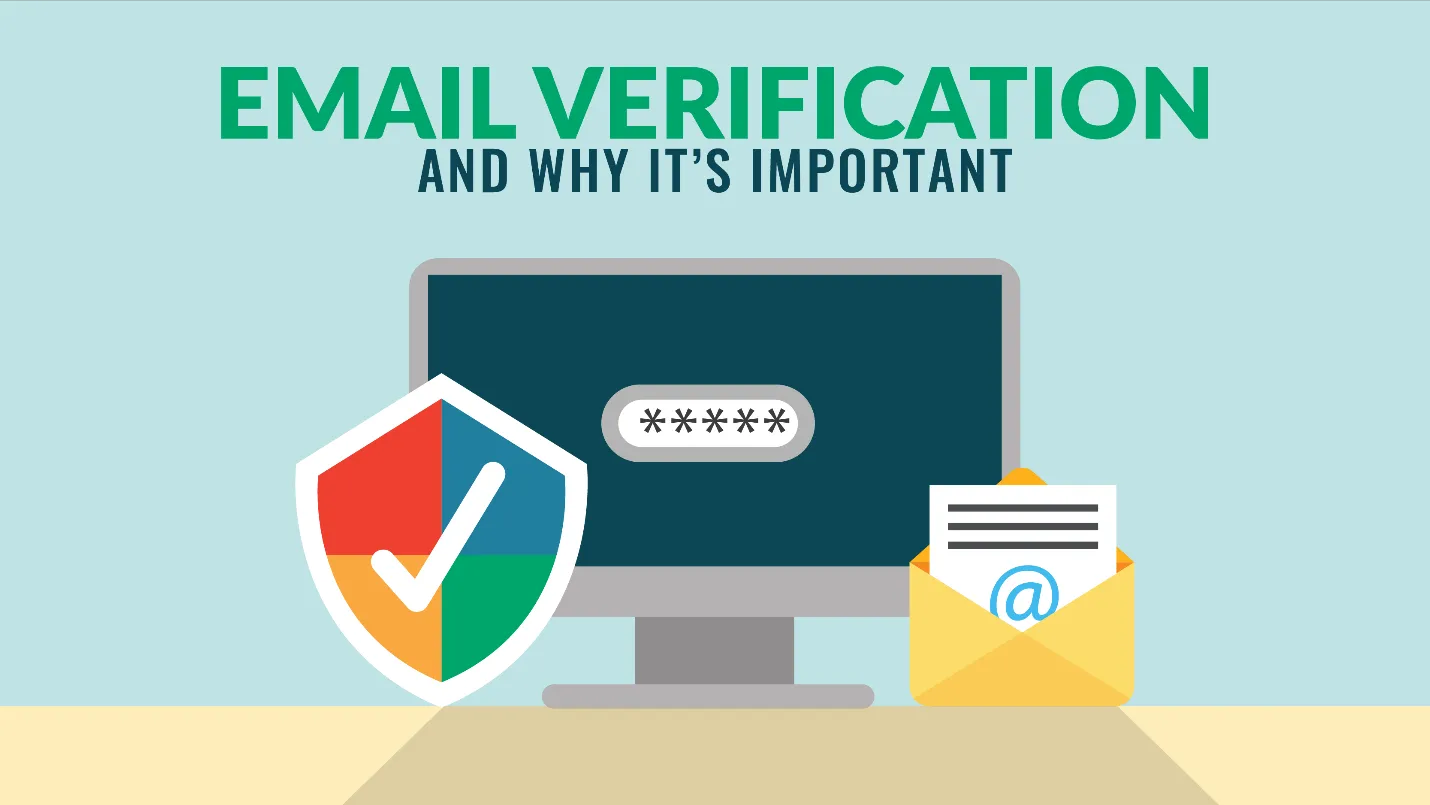
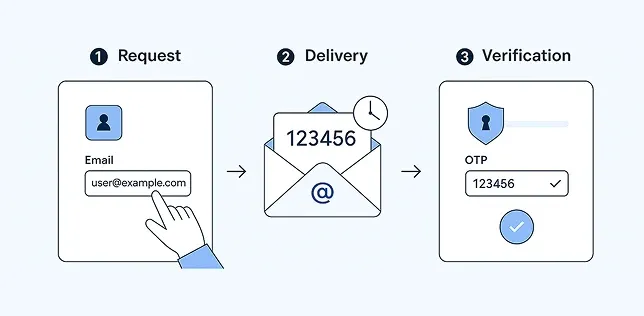
Email OTP (one-time password) is a temporary password that the system provides to the email of the user. This code is valid one time only and for a short period of time. This code should be typed in by the user to accomplish the authentication.
Common Use Cases of Email OTP
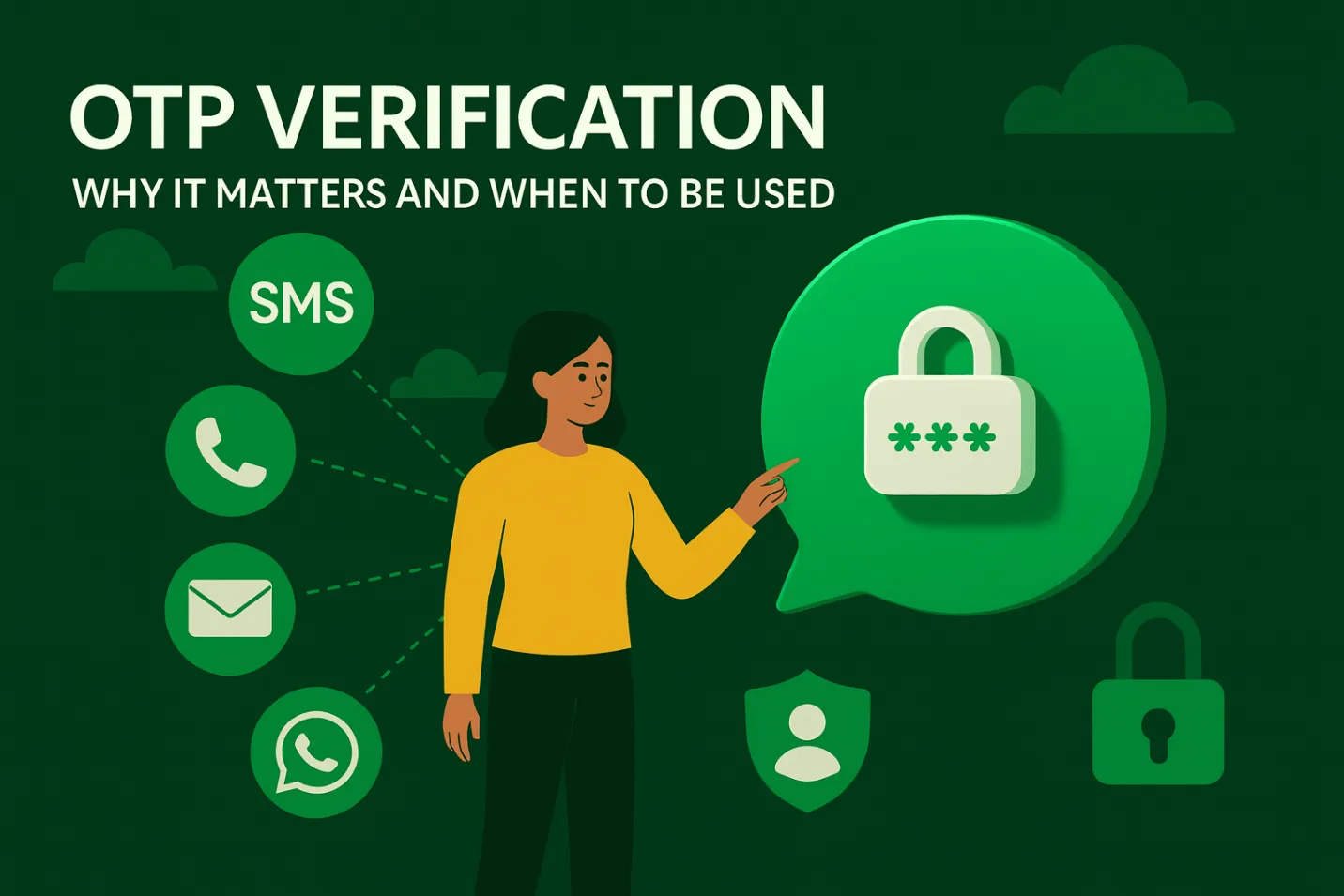
Organizations use email OTP in many situations:
- Login verification for user accounts
- Account registration and email confirmation
- Transaction approvals in banking or e-commerce
- Password reset and account recovery
These use cases help confirm that the real user is performing the action.
Role of Email OTP in User Authentication
Email OTP adds additional steps to the login process. Instead of only relying on passwords, the system requests a second credential. This process enhances user authentication and reduces the risk of unauthorized access.
Why Email OTP Is Important for User Authentication
Modern applications face many security threats, particularly due to the vulnerability of password management. Email OTP helps you solve these problems by introducing additional validation steps. This will protect your user account and ensure more secure access.
Understanding the importance of email OTP helps developers and companies improve authentication systems and reduce risk.
Risks of Static Passwords
Static passwords create many problems:
- Users often choose weak passwords
- People reuse the same password across multiple sites
- Hackers use stolen data for credential stuffing
- Phishing attacks trick users into sharing passwords
These issues make passwords alone unreliable for security.
How Email OTP Improves Security
Email OTP solves many of these problems:
- It generates a unique code every time
- It works for a limited time
- It requires access to the user’s email account
Even if someone knows the password, they still need the OTP. This extra step protects the account from unauthorized access.
Key Benefits of Using Email OTP for Verification
Email OTP brings some benefits to both users and companies. Help improve security, simplify login processes and meet industry requirements. Many companies adopt this method because it is easy to deploy and cost-effective.
Understanding the benefits helps organizations choose the right authentication system for their platforms.
Strong Account Security
Email OTP enhances account security by using code that has a one-time expiration date. The attacker is unable to reuse these codes, and the short expiration date reduces the risk.
Easy for Users
Users do not need to remember complex passwords. All you need is access to your email inbox. This approach makes the process simple and user-friendly.
Supports Two-Factor Authentication
Email OTP works well with two-factor authentication (2FA). In 2FA, users provide two types of verification:
- Something they know (password)
- Something they have (email access)
This combination strengthens security.
Helps Meet Compliance Requirements
Many industries require strong verification methods. Email OTP helps companies meet these rules by adding an extra security layer.
Cost-Effective Solution
Compared to SMS OTP, email OTP is more affordable. Businesses do not need telecom services or extra costs for sending messages.
How Email OTP Works: Step-by-Step Process
The email OTP procedure has a well defined workflow that checks to provide secure user authentication. All the steps are significant in terms of identity verification and unauthorized access prevention.
To implement this process properly, developers should be aware of this process. In the following, we discuss the operation of email OTP in actual systems in detail.
Step 1: User Initiates an Action
The process commences when the user carries out the activities like login, new registration, password reset, etc. This request is detected by the system and prepared the user identity.
This measure is taken to make the system efficient and not to produce lots of OTPs, since verification of identity is only initiated when required.
Step 2: System Generates OTP
The system generates random one-time passwords using safe methods. This code usually consists of numbers or alphanumeric characters and is valid for a short period of time. The system temporarily stores the OTP for authentication.
This step assigns unique and secure code that the attacker cannot predict or reuse for each request.
Step 3: OTP Sent via Email
After code generation, the system sends OTP to the user's registered email address. We use e-mail delivery services to ensure fast and reliable delivery. The email usually contains OTP and simple steps.
This step allows the authentication process to integrate with your email account to further enhance your security.
Step 4: User Enters OTP
The user checks the inbox of the email and finds the OTP. Next go back to the application and type in the code in the designated field.
This will ensure that the user is in possession of the registered email address. Moreover, the process of authentication can be successfully fulfilled only by legitimate users.
Step 5: System Validates OTP
The system matches the OTP entered with the saved values. In case the code is a match and not out of date, the system grants the request. In case of an incorrect or out of date code, the system denies the request.
This procedure finishes the authentication process, and only authorized users can get access to the system.
Why Choose Email OTP Over Other Methods?
The selection of OTP delivery methods is crucial to security and user experience. Email OTP is unique in the sense that it is easy to use, dependable and affordable. It works well for most platforms and users.
This section explains why email OTP is often a better choice compared to other methods like SMS OTP and authenticator apps.
High Reliability and Familiarity
Most users already use email daily. They trust email and know how to access it. This familiarity makes email OTP easy to adopt.
Simple Integration
Developers can easily add email OTP to existing systems. It does not require special hardware or complex setup.
Better for Global Users
Email works across all regions. Unlike SMS, it does not depend on telecom networks or country restrictions.
Comparison with SMS OTP
| Feature | Email OTP | SMS OTP |
|---|---|---|
| Cost | Low | High |
| Delivery | Internet-based | Telecom-based |
| Reliability | High (with good provider) | Depends on network |
| Setup | Easy | More complex |
Aurora SendCloud for Email OTP
Aurora SendCloud provides a reliable solution for sending email OTPs. It ensures fast and accurate email delivery, which is critical for authentication systems.
With Aurora SendCloud, developers can:
- Send OTP emails quickly
- Improve inbox delivery rates
- Reduce delays and failures
- Manage email traffic easily
This makes it a strong choice for OTP systems.
Best Practices for Email OTP Implementation
Properly deploying email OTP is important in both security and user experience. Developers need to follow best practices to avoid common problems such as delays and exploits.
By practicing these practices, OTP systems can function efficiently, enabling strong protection of user accounts.
Set Short Expiration Time
The OTP expiration date is always short, usually between 5 and 10 minutes. This reduces the risk of exploitation when someone gets the code. The shorter the validity, the more time the attacker can use the OTP.
It also encourages users to complete authentication quickly, improving both security and system efficiency without causing confusion or delay.
Limit OTP Attempts
In the input of OTP, the user should be given 3 to 5 attempts. This will block brute force attacks where an attacker will attempt numerous combinations to figure out the code.
In case the user surpasses the limit, the system should prevent further access or he should request a new OTP. This control helps to ensure that your account is secure and that the authentication process is safe.
Use Secure OTP Generation
OTP should always be generated using safe and random methods. Avoid simple patterns such as serial numbers and repeating numbers because they are easily inferred by the attacker.
This approach keeps each generated code unique and difficult to decipher, protects the user from unauthorized access and reduces security risks.
Clear User Instructions
It is important to give a clear instruction to the user when sending an OTP. Provide a reason as to why you were given the code, how to apply it and what to do in case you have not requested it.
This instruction enables users to pass through authentication without any misunderstanding.
Ensure Strong Email Delivery
Use reliable email services to ensure OTP messages are delivered quickly and accurately to users. Delays and non-arrivals of emails cause users to get irritated and interrupt the authentication process.
Inbox reach and speed of delivery are enhanced by use of trusted providers such as Aurora SendCloud. This helps in making sure that the user gets the OTP on time and continues with the authentication process effectively and efficiently.
Avoid Reusing OTPs
All OTPs should be disposable. After the user has entered the code successfully the system ought to disable the code immediately. Re-use of OTP poses a security risk since the attacker can use the old code.
Use single-time OTP to increase security and minimize the chances of an unauthorized gain of access to user accounts.
Log and Monitor Activity
Monitor all OTP requests/authentication attempts in your system. Observing is able to identify irregular trends like recurring failures and numerous requests within a limited time.
This information can be used to detect suspicious activity early. Then you can enhance the security and reliability of your whole system by blocking access and notifying users.
Common Challenges and Solutions
Email OTP systems are better in terms of security, yet some general issues might occur when used in practice. These issues may influence the user experience and performance of the system.
Knowing these problems and implementing relevant solutions, you can ensure a comfortable and safe process of authentication.
Delayed Email Delivery
OTP mail deliveries can be slowed down by server delays and network problems. This will be frustrating to the user and will interrupt the process of logging and authentication.
To resolve this, use a trusted email delivery provider to optimize your email system.
Spam Folder Issues
OTP emails may be sorted into spam folders instead of inbox. This makes it difficult for users to find code quickly.
To resolve this, use appropriate email authentication methods such as SPF and DKIM. Also, do not use words that are easily considered spam in the email body.
User Email Access Issues
Some users may not be able to access their email account immediately when OTP is required. This may delay or interrupt the authentication process.
To address this issue, please provide backup options such as SMS OTP and authentication app.
Email OTP vs Other Authentication Methods
Security levels and convenience vary depending on the authentication method. Mail OTP is widely used, but other options such as SMS OTP, authentication app, and biometric authentication also play an important role.
By comparing these methods, companies can choose the best solution for their needs.
Email OTP vs SMS OTP
Mail OTP is cost-effective and easy to deploy compared to SMS OTP. Because it does not rely on communication networks, it can reduce costs and make it easier to use around the world.
However, if the user cannot access the email, SMS OTP is more suitable. Both methods can be secured, but which one to choose depends on the needs of the user, the design of the system, and the availability of the communication channel.
Email OTP vs Authenticator Apps
Email OTP is simple and easy for beginners because it is only possible for users to access email. On the other hand, authentication apps provide stronger security because they generate code locally on devices.
However, authentication apps need to be configured, and user understanding is also required. While email OTP is suitable for general users, authentication apps are suitable for systems that require higher security levels.
Email OTP vs Biometric Authentication
Mail OTP works on any system that does not require a special device and has access to mail. Biometric authentication uses fingerprints and facial authentication to ensure fast and secure identification.
However, biometric authentication requires hardware support and proper configuration. Email OTP remains a flexible option for platforms seeking simple and widely available authentication methods.
Use Cases Across Industries
Email OTP is used in many industries to enhance user authentication and protect sensitive data. Each sector applies this in various ways according to their needs.
By understanding these use cases, companies can understand how OTP systems support security and user trust.
Banking and Finance
Banks use email OTP to protect user accounts and financial transactions. OTP authentication is required for login, money transfer, and sensitive operations.
This method helps prevent fraud and unauthorized access. This will allow only account holders to approve transactions, protect customer data and build trust in the financial system.
E-Commerce
The online store uses email OTP to authenticate users in the login, check out, and payment process. This will ensure that the actual customer is making the purchase.
Companies also use OTP to verify orders and secure accounts.
SaaS Platforms
The SaaS platform uses email one-time password (OTP) for secure user authentication and account access control. This protects sensitive data stored in cloud-based systems.
Users must verify their identity before accessing or manipulating the dashboard.
Healthcare Systems
The healthcare platform uses email OTPs to protect patient data and ensure safe access to medical records. This allows you to verify your identity before granting access to sensitive information.
This method helps protect privacy and adhere to data protection regulations.
Conclusion
Email OTP plays an important role in modern user authentication systems. In addition to passwords, you can further enhance your security and help protect your user account from unauthorized access.
Because it is simple, cost-effective, and easy to install, it is widely used by companies. Mail OTP also improves convenience. They should set short expiry times, limit attempts, and ensure strong email delivery.
Aurora SendCloud helps businesses send OTP emails reliably and quickly. Its strong delivery system ensures that users receive their OTP without delay. This improves both security and user experience.
In today’s digital world, adding email OTP is no longer optional. It is a necessary step for any platform that wants to protect its users and build trust.