Email is one of the best and rewarding ways to reach your potential customers and grow your business. Every $1 that you spend on email marketing brings $36 to you. This high ROI is making it one of the smart marketing email strategies to use.
A big part of this success comes from using email templates. These are ready made email designs that help you send clear and consistent messages without having to start from scratch every time. Good templates save you time, reduce mistakes, and help your campaigns perform better.
Templates also help boost sales because the layout, text placement, and buttons are already tested to work well. This means you can focus on writing great messages instead of worrying about the email design.
Tools like Aurora SendCloud make it easy to create, reuse, and manage these high-converting emails across different campaigns and automated workflows. They are also making sure your emails get delivered reliably to your subscribers
Core Types of Email Marketing Templates
Different emails have different goals, so they need different types of templates. Using the right template makes sure your message fits its purpose perfectly. Here are the main types of email templates modern teams use.
Promotional Email Templates
Promotional templates are made to encourage quick action and get fast results. They work best when you have one clear offer or message to share. Common reasons to use promotional emails include product launches, seasonal sales, and limited-time discounts.
These emails usually have a few key parts: a big, eye-catching banner at the top to grab attention, a clear explanation of why the offer is valuable, and a strong call-to-action (CTA) that tells people exactly what to do next.
Emails with just one clear CTA get 371% more clicks than emails with several different actions competing for attention.
Keeping the design simple helps people focus and act quickly without being distracted.
Transactional Email Templates
Transactional emails focus on building trust and providing important information, rather than promoting products. People expect these emails to arrive quickly and have accurate details.
Common examples include order confirmations, shipping updates, and payment receipts. Because these emails are often opened by more than 80% of recipients, they are some of the most viewed messages a brand sends.
It is important to keep their design clear and simple because so many people see these emails.
Using clear headings, easy-to-read spacing, and straightforward language helps subscribers find the information they need fast. This not only improves their experience but also helps maintain your email reputation. Even small design mistakes can cause confusion or lead to more customer support questions.
Newsletter Templates
Newsletters help you stay connected with your audience over time without overwhelming them. They usually have a flexible layout that includes a headline or introduction, a main article or update, extra resources or links, and a call-to-action that encourages readers to explore more.
Using a consistent newsletter design makes your emails easy to recognize and helps readers quickly scan the content, especially on mobile devices where over half of emails are opened today. A familiar layout makes it simple for people to find the parts they care about, keeping them interested and engaged.
Lifecycle & Automated Workflow Templates
These templates help automate your marketing and guide customers through their journey without you having to send each email manually. Common examples include welcome email series, cart recovery messages, and re-engagement campaigns for inactive subscribers.
Keeping the look and tone consistent across these emails is important because it builds trust and makes your brand feel familiar as people move through the steps. Using reusable templates also saves time and effort, especially as your campaigns grow bigger.
Customer Support & Notification Templates
These emails focus on clear, straightforward communication rather than trying to sell something. They are meant to keep customers informed about important updates like account changes, password resets, or policy updates.
The key to good support emails is simple language, clear subject lines, and easy-to-find contact information. Well-organized support emails reduce confusion, build trust, and help keep your email reputation strong, which means your messages are more likely to reach the inbox. Clear communication here also means fewer questions for your support team.
Key Elements of a High-Performing Email Template
Successful email templates share some important features that help your message get noticed and acted on no matter what type of email you are sending.
- Strong Subject Line + Pre-header Copy
- Visual Hierarchy and Clean Layout
- Mobile-Responsive Design
- Clear And Actionable CTAs
- Personalization Placeholders
- Brand Identity (Color, Tone, Imagery)
- Compliance and Accessibility
The subject line is the first thing people see and decides if they open your email. It should be short, clear, and interesting ideally under 50 characters. So, it looks good on any device. The preheader is the small preview text that supports the subject by giving a little extra info.
Together, they set the right expectations and encourage people to open your email.
A good email guides readers through the content smoothly. Using headings, enough spacing, and neat alignment helps people scan the message quickly, especially on phones. Breaking information into short sections makes it easier to read and understand.
Most people check emails on their phones. So, your email must look great on small screens. If it doesn’t, people often delete it right away. It hurts your chances of engagement and future email delivery.
Every email should focus on one main action you want readers to take. Buttons with simple phrases like Get started or View details work best because they are easy to understand and click. Avoid confusing or vague CTAs that make people hesitate.
Using placeholders for names or company info makes your emails feel personal without changing the whole design. This helps you send relevant messages to many people while keeping the process simple and scalable.
Using your brand’s colors, fonts, and tone consistently makes your emails recognizable and trustworthy. Seeing your style repeatedly helps build a connection with your audience over time.
Your emails must include important elements like unsubscribe links and clear sender info to follow laws and protect your reputation. Also, use readable font sizes and good color contrast so everyone can easily read your message.
How to Optimize Your Templates for Better Results?
After you create your email templates, it’s important to keep improving them so they stay effective as habits of your readers change.
- A/B testing structural elements
- Optimizing for dark mode
- Ensuring fast load time
- Using data-driven personalization
Test small changes like where the button goes, how much image or text you include, or the words you use in your call-to-action (CTA). Even tiny tweaks can help get more clicks. Make sure to test one thing at a time so you can clearly see what works best.
More people are using dark mode on their email apps. To keep your emails looking great, avoid transparent images and pick colors that are easy to read in both light and dark backgrounds. Preview your emails in both modes to catch any problems before sending.
Big images and complicated code make emails slow to load, which can cause people to ignore or delete them. Compress your images and keep your email code simple to help your emails open quickly, especially on phones with slower internet.
Use what you know about your subscribers’ past clicks or browsing habits to send them the most relevant version of your email. This way, you don’t have to redesign your templates. However, your messages feel more personal and interesting. It helps to keep people coming back.
Using Aurora SendCloud to Create Efficient Templates
Modern tools make managing email templates much simpler, and Aurora SendCloud is a great example.
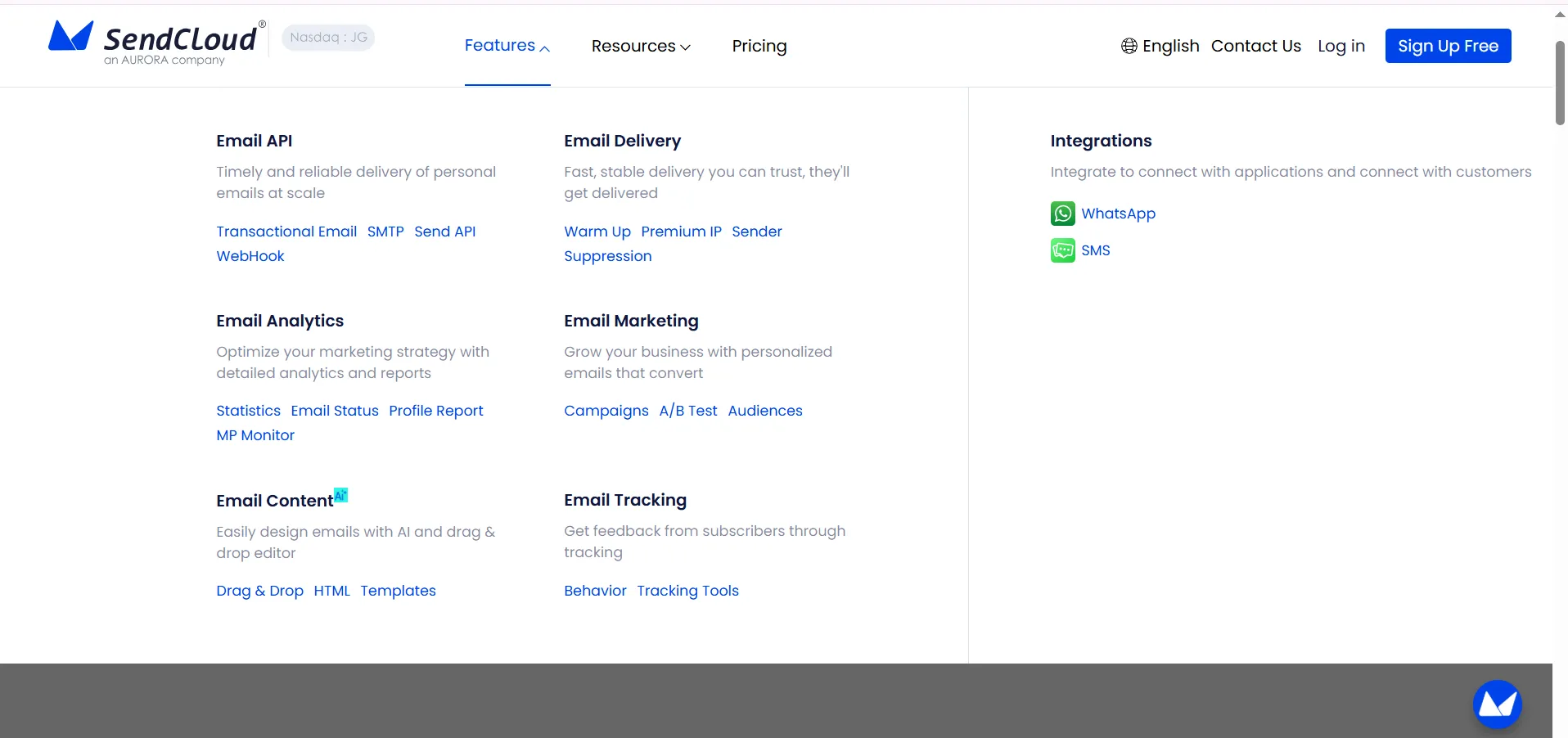
With Aurora SendCloud, you get ready-to-use templates for all kinds of emails. This is true whether you are promoting something, sending order info, or running automated campaigns.
Its drag-and-drop editor lets you build emails quickly while keeping your brand’s look consistent with locked colors and styles. You can also add dynamic content and segment your audience easily. So, your emails feel personal and relevant.
These features help teams create more effective emails that look great every time even as campaigns grow bigger. Plus, Aurora SendCloud supports marketing automation workflows. This is making it perfect for teams focused on long-term marketing success.
Marketers can avoid mistakes and keep their emails looking professional and consistent across all their campaigns. They can do so by keeping email templates and brand guidelines in one place.
Conclusion
Good email templates are the foundation of successful email campaigns. When the layout and design are already set up well, it will be time saving. As a result, marketers can spend more time crafting great messages and sending them at the right moment.
Having flexible and dependable templates is smart with more people sending emails every day. Tools like Aurora SendCloud make it easy to manage your templates and automate your emails. It helps you to grow your campaigns without losing your brand’s consistent look and feel.
If you want better results and to save time, checking out Aurora SendCloud’s email template system is a simple and effective next step.