Over 90% of major email domains are still at risk with more phishing attacks and fake emails happening in 2026.
Startups and small businesses are particularly susceptible. Luckily, there are free email authentication tools that can be used to secure your emails. The use of SPF, DKIM, and DMARC is not only a good idea — these protocols are essential to secure your email and ensure that your communications go to the inbox.
This guide will present the top five free tools, their greatest strengths, and how to find the appropriate tool if you are a tech expert, marketer, or simply starting out.
What Are Email Authentication Tools? Why You Need Them?
Email authentication tools are online services that help you to check and keep track of your SPF, DKIM, and DMARC settings. These settings protect your domain from fake or harmful emails.
Hackers can pretend to be you without these protections. This can hurt your brand and put your users in danger. Authentication stops this by making sure only real emails from your domain get through. It also improves your sender reputation and helps your emails land in people's inboxes instead of spam or being blocked.
Using these free tools is a smart and simple way to keep your email safe and trusted.
Core Email Protection Tools Explained
Here are important things to know:
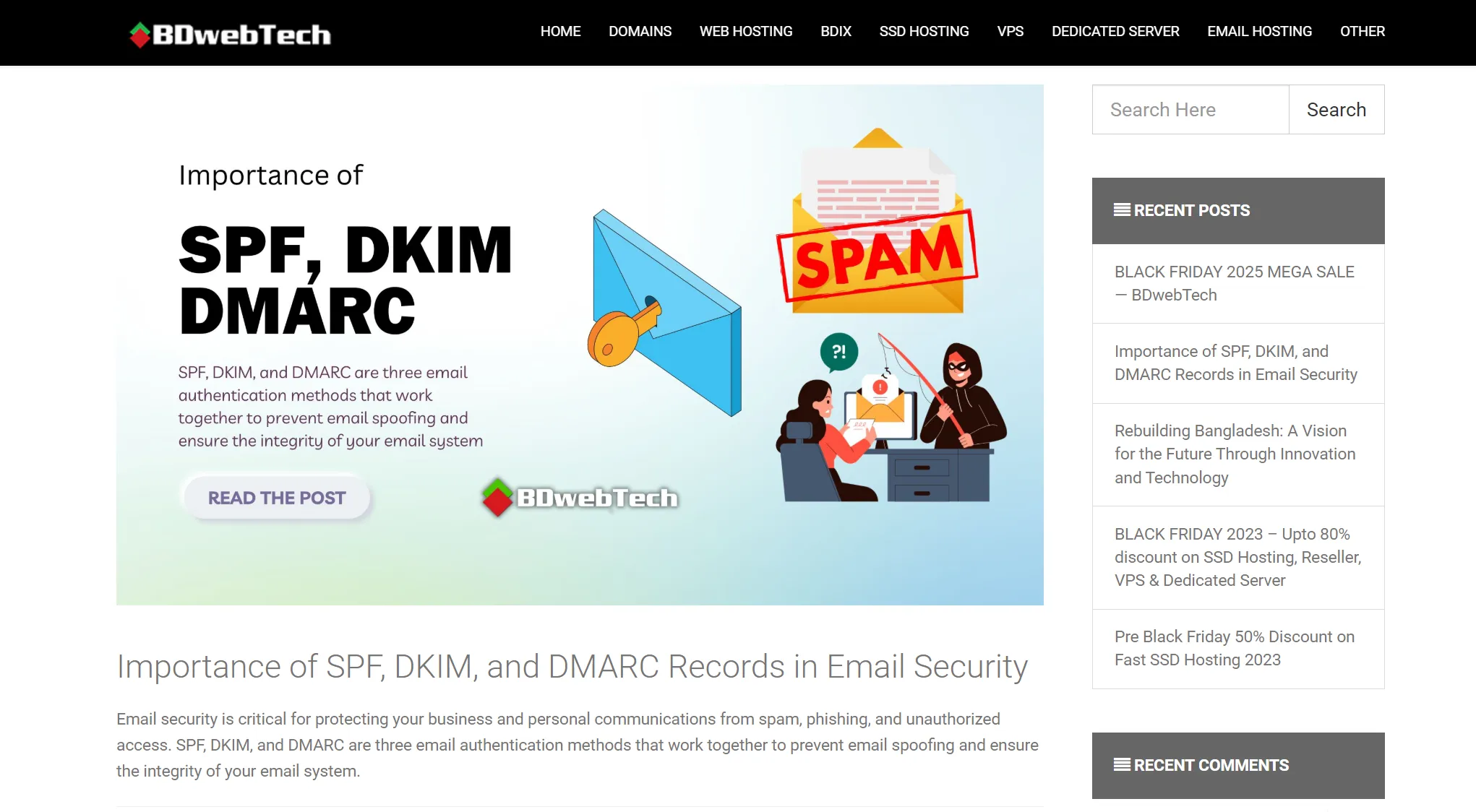
- SPF (Sender Policy Framework)
- DKIM (DomainKeys Identified Mail)
- DMARC (Domain-based Message Authentication, Reporting & Conformance)
This tells which servers are allowed to send emails for your domain. It helps stop others from sending fake emails pretending to be you.
This adds a special digital signature to your emails, proving they are really from you and have not been changed.
This lets you decide what to do if an email fails the checks — like do nothing, send to spam, or reject it — and sends you reports about any problems.
Using these authentication tools helps you to keep an eye on your email security, spot any misuse, and maintain domain protection over time. Understanding the connection between your email domain and IP address is also important for comprehensive protection.
What Makes an Effective Email Authentication Tool?
You should look for these important features when picking a free email authentication tool.
- Accurate Checking: It should correctly read and verify your SPF, DKIM, and DMARC settings.
- Clear DMARC Reports: The tool should explain technical DMARC reports in a simple way so you know what actions to take.
- Easy to Use: A simple and user-friendly design is helpful, especially if you are new or working in a small team.
- Ongoing Monitoring: It should check all your email sources regularly and warn you if something goes wrong.
Choosing a tool with these qualities makes it easier to keep your emails safe and working well.
In-Depth Review: Comparing the Top 5 Free Tools
Here are five well-known free tools you can use to manage and monitor your email authentication.
Tool 1: MXToolBox – Fast and Easy Email Check
This tool is best for IT pros or admins who want quick checks without signing up.
Key Features
- MXToolBox is a quick SPF checker, DKIM validator, and DMARC checker. It verifies records to see if they are set up right.
- It also watches 30 big blacklists for free, so you will know if your sending IP gets blocked. If you find yourself on a blacklist like Spamhaus, check out our guide on removing your domain from Spamhaus.
- Moreover, it shows reports about email delivery problems like DKIM or SPF mistakes, helping you to fix issues before they cause trouble.
Limitations
It does not give ongoing free DMARC report updates. It is mainly for quick, one-time checks.
When to Use It?
Use MXToolBox when you want to quickly make sure your email settings are correct right after setting them up, without signing up for a full service.
Tool 2: Valimail – Professional DMARC Monitoring
This free tool is best for businesses that want clear and professional DMARC monitoring.
Key Features
- Valimail's free plan shows easy-to-understand DMARC reports, so you can see which email services are sending on your behalf and whether they pass security checks.
- It also spots which email sources are allowed to use your domain and which might be trying to misuse it, helping you to take action to protect your brand.
- While the free version has some limits, it gives enough detail to help you plan and improve your email security as your business grows.
Limitations
The free plan may limit how many reports or domains you can track.
When to Use It?
Great for businesses getting ready to step up their email protection and wanting a clear view of who is sending emails from their domain.
Tool 3: EasyDMARC – Simple and Friendly for Beginners
This tool is best for beginners and non-technical users.
Key Features
- EasyDMARC makes understanding DMARC reports easy. You can upload raw DMARC files and it turns them into clear charts showing how well your emails follow the rules and if there are any threats.
- It also has a tool to check if your DMARC record is set up right, explaining what each part means and why it matters.
- Plus, there is a simple DMARC Record Generator that helps beginners or IT teams create a correct DMARC record from their dashboard.
Limitations
More advanced features like detailed forensic reports or automatic policy enforcement need a paid plan.
When to Use It?
Great for small businesses or startups that want to start protecting their emails without needing technical skills.
Tool 4: PowerDMARC – All-in-One Email Security
The tool is best for users who want a complete and powerful email security solution.
Key Features
- PowerDMARC's free analyzer gives you full insight into your DMARC reports, showing who is sending emails, how well they pass security checks, and any suspicious activity.
- It includes smart threat analysis with a live map of threats and a history of your domain's reputation, helping you spot and stop bad senders quickly.
- It also makes updating your DMARC, SPF, or DKIM records easier with automatic DNS publishing right from their portal — great for when you need to make changes or improve your policies.
Limitations
The most advanced tools require paid plans, and the free version has limited report updates.
When to Use It?
It is ideal for growing businesses that want strong email protection and a long-term plan to keep their emails safe.
Tool 5: DMARCLY – The Handy Problem-Solver
Best for fixing specific technical issues like SPF record limits or tricky DKIM setups.
Key Features
- DMARCLY's free version checks your DMARC record to make sure it is written correctly and that your report settings are set up right, so you don't miss important reports.
- It also offers Safe SPF which helps fix SPF limits by simplifying your SPF records — great if you send emails from many places as it improves email deliverability.
- The dashboard automatically reads your DMARC reports and turns them into easy-to-understand charts, showing details by domain, source, and results. It also supports advanced tools like ARC and blacklist monitoring.
Limitations
The free plan may not offer full ongoing monitoring, and some advanced features need a paid upgrade.
When to Use It?
Perfect if your domain hits SPF limits or you have complicated email setups across different services and need help managing them.
Common Mistakes to Avoid with Free Email Authentication Tools
Using free email authentication tools is great, but it is easy to make some common mistakes.
- Relying only on free tools without knowing their limits: some tools don't watch your email all the time or send alerts when something goes wrong.
- Setting DMARC to reject before monitoring your emails for a while, which might accidentally block real emails. Proper email warm-up practices can help ease this transition.
- Not reviewing your DMARC reports often enough to find any misuse or setup problems. Regular monitoring is essential to catch issues early.
- Forgetting to update your SPF, DKIM, and DMARC records when you start using new email services or tools.
Additionally, don't overlook the importance of proper email verification to maintain clean contact lists and reduce bounce rates that can affect your authentication health.
Conclusion
Free email authentication tools are an intelligent and convenient way to enhance your email security and ensure your messages get into inboxes. These tools allow verifying and tracking SPF, DKIM, and DMARC without incurring excessive expenses.
When choosing a solution, consider platforms like Aurora SendCloud that offer built-in authentication support alongside email delivery capabilities. Whether you're just starting out or managing complex email infrastructure, implementing proper authentication protocols is critical for protecting your domain and maintaining deliverability.
Begin with what works for you, and expand your protection as your email needs grow. For more guidance on implementing DMARC correctly, check out our DMARC Records Guide. If you're experiencing email delivery issues, proper authentication setup is often the first step to resolution.