

Email marketing hasthe greatest effect when each message connects with the recipient. Dynamic emails allow users to send content that changes based on their behavior, location, preferences, and real-time data. Unlike static emails that display the same message to everyone, dynamic emails adapt to each recipient.
This personalization enhances engagement, enhances sender ratings, and improves inbox reaches. In this guide, we will share dynamic email commentary, static email comparison, effect on delivery rate improvement, practical implementation procedure.
What Is Dynamic Email?
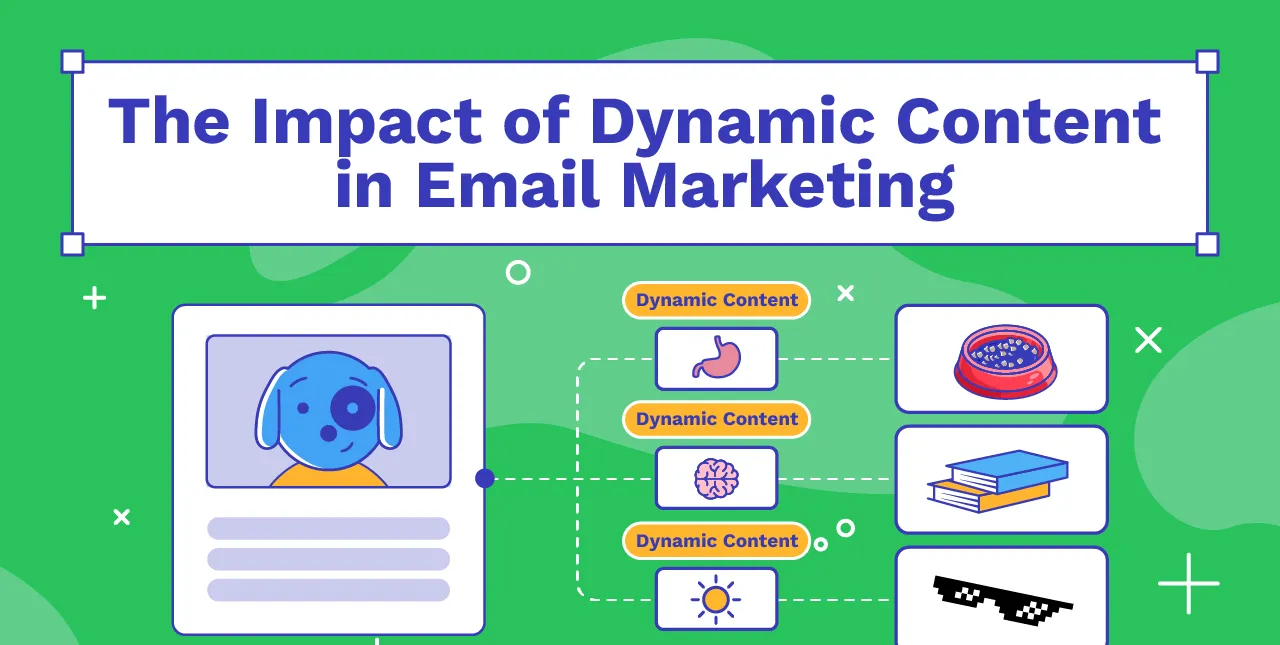
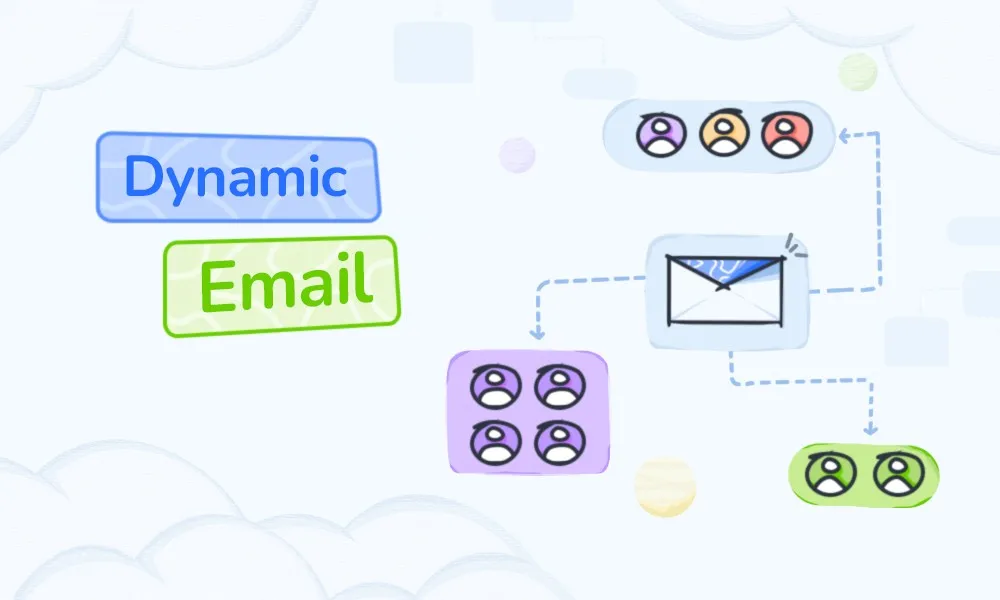
Dynamic mail refers to an email that automatically changes its contents depending on the recipient. Based on real-time data and past interactions, different images, texts, offers, and recommendations can be displayed in each email.
Key components of dynamic email include:
- User data: name, location, purchase history, account information, etc
- Behavior tracking: browsing history, abandoning carts, engagement in the past, etc
- Real-time updates: inventory status, price, live event information, etc
Example:An online store sends an email featuring shoes viewed yesterday to one user, and another can send an email displaying a completely different product based on the user's preferences. Each recipient receives content related to themselves, which improves the opening rate and click rate.
Examples of Dynamic Modules:
- Personalized greetings using usernames
- Product recommendations based on past actions
- Real-time countdown timer for limited-time offers
- Regional proposals for nearby stores and events
Dynamic e-mails focus on individual experiences rather than delivering uniform messages to the entire subscriber list.
Dynamic Email vs Static Email
Marketers have a tendency of experiencing anxiety on which to utilize dynamic or static emails. The different applications of the two can be used in different ways, yet when the differences are understood, there would be higher engagement rates and the delivery rate increases.
Content Structure
Dynamic emails automatically interact with each recipient and modify their content. Every subscriber has a message depending on what he or she does, likes, or what is real-time. Conversely, there are the case of the static email where the same thing is sent to all. It is easy to create a static email, yet dynamic email is much more relevant to an individual, thus giving a better outcome.
Data Driven Approach
The dynamic emails rely on information like, user interaction, purchase history, browsing history etc. It enablesthe marketersto see the most pertinent contents at the appropriate moment. Basic subscriber data with little and no data used to personalize and create relevancy is used in the case of static emails.
Personalization Depth
Personalization is performed dynamically with email. You can add your name, products that are recommended, local specialized content, and even individual offers. The emails that are not dynamic tend to include only the name and details of the recipient, which is not very persuasive to a subscriber.
Use Case Differences
The best use of dynamic emails is on action-based campaigns like cart waiver notifications, product recommendations and real-time updates. General newsletters, announcements, or mass promotions that convey a similar message to all the recipients would be good in case of a static email.
Concisely, dynamic emails are interactive, personalized and static emails offer a simple and single point solution. The use of dynamic emails helps enhance engagement, spam reduces, and reputation of the sender as well.
Why Dynamic Email Matters
Dynamic email matters because it delivers content that is relevant to each recipient. Unlike static emails, dynamic emails adjust based on user behavior, preferences, and real-time data. This personalization directly improves engagement, conversions, and overall email performance. Dynamic email improves both user experience and delivery rate. Its importance is as follows:
- High engagement: Personalized content facilitates recipient email opening and link clicks.
- Increased relevance: Content that meets the user's interests will be displayed to increase conversion potential.
- Experience enhancement: Customized emails make users feel recognized and valued.
- Improve sender rating: Email providers recognize high engagement and increase inbox delivery.
In short, dynamic emails ensure that subscribers receive useful and timely content, benefiting both marketers and recipients.
How Dynamic Email Improves Deliverability
Dynamic emails not only increase engagement but also have a positive impact on delivery rates. Dynamic email not only engages subscribers but also directly improves email deliverability. By sending relevant, timely, and personalized content, marketers can strengthen their sender reputation and increase the chances that emails reach the inbox instead of the spam folder.
Better Engagement Signals for ISPs
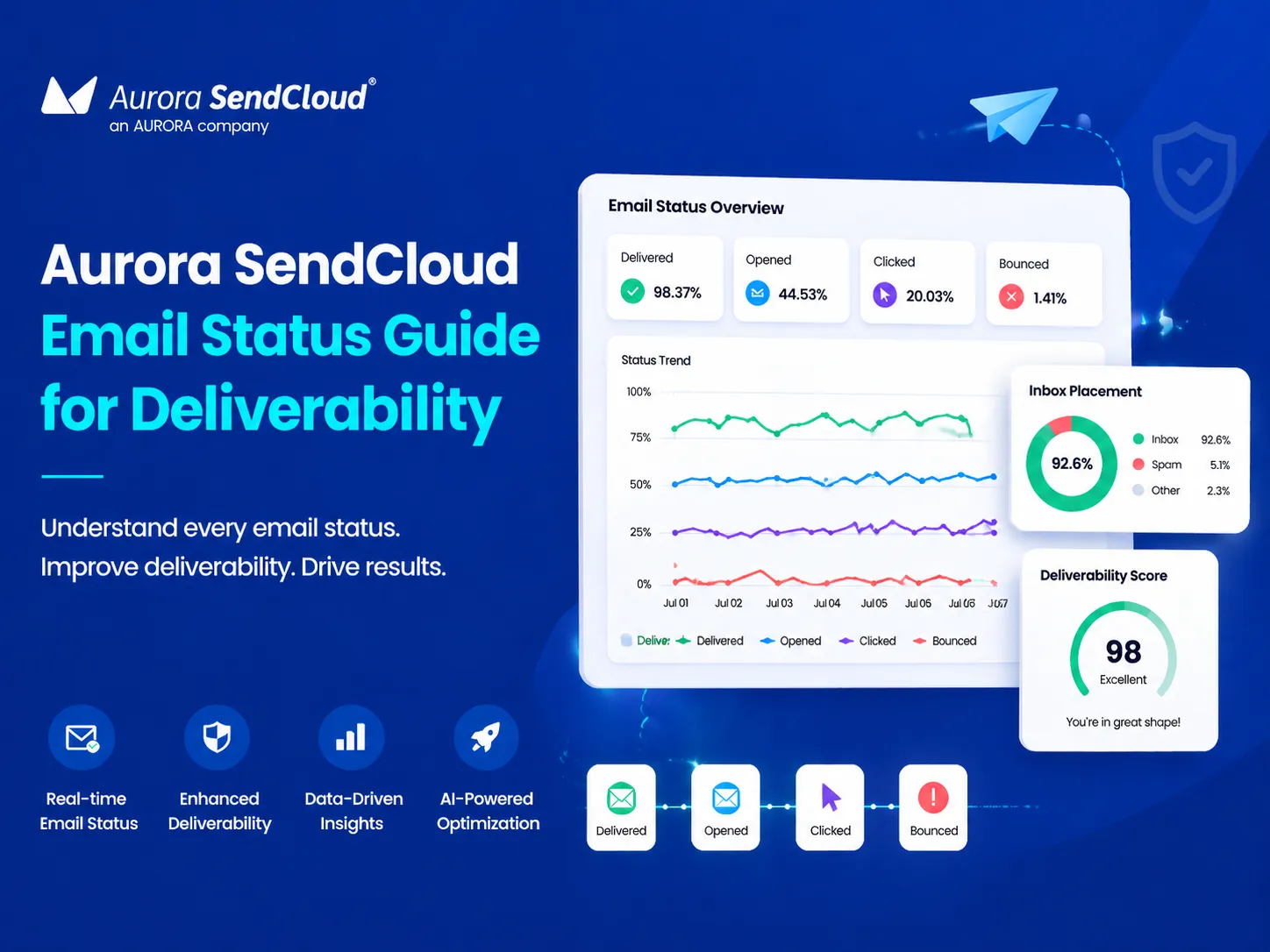
When a recipient opens, clicks, or replies to an email, an Internet service provider (ISP) such as Gmail, Outlook, or Yahoo detects this. Dynamic Email Promotes:
- Personalized subject and body
- Action trigger messages such as cart abandon reminders
- Interactive modules with buttons and live updates
A high engagement signal tells your ISP that your email is desired and improves your inbox reach.
Lower Spam Complaints and Unsubscribes
When you receive relevant content, you are less likely to report messages as spam. Dynamic emails reduce user dissatisfaction, reduce unsubscribe rates, and enhance transmission reputation.
Cleaner Email Lists Through Segmentation
Dynamic emails depend on accurate and up-to-date segmentation. By sending messages to only active subscribers:
- Reduce inactive contact
- Decrease in bounce rate
- Maintaining a healthy list
Clean email lists increase ISP trust and increase delivery rate.
Behavior-Triggered Emails Perform Better
Emails triggered by user behavior such as cart abandonment, browsing history, follow after purchase are significantly more effective than general-purpose campaigns. High engagement with these emails demonstrates to your ISP the relevance of your content and further improves your delivery rate.
Real-Time Content Reduces Errors
Dynamic modules can dynamically update the display, preventing errors caused by incorrect information. For example, by reflecting inventory status and price fluctuations in real time, we prevent customer confusion due to incorrect information.
Current inventory status, price, or promotional information. Prevent complaints and spam reporting from older content by sending accurate and up-to-date information. This reduces the negative signal to the ISP and improves its reputation as a sender.
Common Use Cases for Dynamic Email
Dynamic emails are best suited when it comes to timely and relevant messages being sent to individual subscribers. Through the application of behavioral data, preferences, and real-time data, marketers will be capable of developing emails that produce a personal impression and induce action.
The below is an example of the typical example of utilization that the dynamic email gives outstanding outcomes.
Dynamic emails are effective in many marketing scenarios:
- Cart Waiver Recovery: Remind users of items left in the cart.
- Personalized product recommendation: Suggest items based on browsing history and purchase history
- Order Status and Tracking: Deliver shipping information in real time.
- Countdown timer for flash sale: Prompt the urgency of a limited-time offer.
- Inventory insufficient alert: Notify the user before the product is gone.
- Regional-specific proposals: Recommend nearby stores and local events.
Using dynamic email in these cases improves engagement, conversion, and overall email performance.
How to Implement Dynamic Email
Implementing dynamic email requires careful planning, the right tools, and ongoing testing. By following a structured approach, marketers can create emails that deliver personalized content, boost engagement, and improve deliverability. Dynamic email implementation requires the right planning and tools. Follow these steps:
Step 1: Choose the Right ESP
Select the email service provider (ESP) that supports dynamic content. Choices include:
- Aurora SendCloud
- Mailchimp
- HubSpot
Step 2: Connect Your Data Source
Connect CRM, ecommerce platforms and other databases to ESP. Check for data accuracy and regular updates.
Step 3: Set Rules for Dynamic Modules
Determine how content changes according to different segments and triggers. Example:
- Viewed Unplugged Products
- View discounts based on past purchase history
- Sending local specialized products
Step 4: Test Every Variation
Test emails across devices, clients, and browsers to see the appropriate display and functionality. Because dynamic emails contain multiple modules, thorough testing is essential.
Step 5: Monitor Performance Metrics
Track the following items:
- Open Rate
- Click rate (CTR)
- Engagement Score
- Distribution Rate
Leverage the knowledge gained to adjust content segmentation triggers to improve results.
Additional Tips for Dynamic Email Success
- Carefully segmented users: Personalize content by leveraging behavioral data, demographic data, and location data.
- The module issimple: excessively complex dynamic elements may not be loaded correctly in some email clients.
- Use interactive functionality smartly: AMP for Email and interactive buttons contribute to improved engagement, but do not affect performance.
- Maintain list health: Regularly delete inactive or bounced addresses to improve delivery rates.
- Analyze feedback: Monitor reply, complaint, and engagement trends and utilize them for future campaign improvements.
Conclusion
Dynamic e-mails make email marketing beyond the range of general simultaneous transmission. By delivering highly relevant, personalized content, marketers can increase engagement, reduce spam complaints, and maintain a cleaner email list. These improvements enhance the sender's reputation and increase inbox reach.
Early adoption of dynamic email strategies enables marketers to build stronger relationships with audiences, increase conversions, and maintain sound delivery rates. Companies implementing these strategies can expect measurable improvements in both engagement and program performance. Dynamic email is no longer an option. A key component of a successful email marketing strategy.