

The platform you choose affects much more than how many emails you can send. Your email service provider also influences sending reputation, bounce handling, unsubscribe processing, reporting, list management, and the cost of running campaigns as your audience grows. This guide compares 10 email blast services based on pricing models, deliverability features, campaign tools, scalability, and possible extra costs. We also look at what happens when you move from 1,000 to 10,000 or 100,000 contacts. Instead of choosing a service because it has the longest feature list, use your list size, sending volume, deliverability needs, and marketing goals to make the decision. If you are unsure whether you need a broad blast or segmented campaign, read our guide to blast vs. bulk email differences.
What Is an Email Blast Service?
An email blast service is a platform that lets businesses create, manage, schedule, and measure marketing emails sent to a group of subscribers.
Most email blast services provide contact management, email templates, campaign scheduling, reporting, and unsubscribe management. More advanced platforms add segmentation, automation, A/B testing, AI writing, ecommerce data, and customer journey tools.
However, the sending infrastructure deserves just as much attention as the marketing interface. Authentication, bounce processing, complaint handling, sending limits, reputation monitoring, and unsubscribe systems can all affect whether your campaigns reach the inbox.
Google and Yahoo also have specific requirements for bulk senders, including email authentication and easy unsubscribe options. That makes infrastructure an important part of any email blast service comparison. For more information, see our bulk email requirements guide.
10 Best Email Blast Services Compared in 2026
The best email blast services use different pricing models. Some mainly charge by contacts, while others focus more on email volume. This difference can have a major effect on your total cost.
| Service | Best For | Starting Price | Free Option | Main Strength |
|---|---|---|---|---|
| Mailchimp | Small businesses | Free option | Yes | Easy campaign creation |
| Brevo | High‑volume sending | Free option/$9+ | Yes | Volume‑based email pricing |
| Constant Contact | Small businesses | Plan‑based | Trial | Support and simple campaigns |
| GetResponse | Automation | $19/mo | Yes | Automation and unlimited sends |
| MailerLite | Small teams | Free option | Yes | Simple email marketing |
| ActiveCampaign | Advanced automation | Custom | Trial | Customer automation |
| Kit | Creators | Free option | Yes | Newsletters and creators |
| Klaviyo | Ecommerce | Plan‑based | Limited | Customer data and ecommerce |
| AWeber | Small lists | Free option | Yes | Simple newsletters |
| Aurora SendCloud | Delivery+ marketing | Volume‑based | Trial | Email infrastructure and sending |
Pricing changes by contact count, sending volume, billing period, region, and selected features. Check the provider's current pricing before purchasing.
1. Mailchimp — Best for Small Businesses
Mailchimp remains one of the most familiar choices for businesses that want to create newsletters, promotional campaigns, automated emails, and customer journeys. Its current marketing plans include Free, Essentials, Standard, and Premium options, with features and limits changing by plan. Mailchimp also offers a pay-as-you-go option for businesses that send emails only during certain periods.

mailchimp
Pros:
- Easy drag-and-drop campaign creation
- Large template selection
- Automation and audience tools
- Strong integration options
- Free entry option
Cons:
- Contact-based pricing can increase as your list grows
- Higher plans are needed for some advanced features
- Large databases require careful cost planning
Best for: Small businesses that want a familiar email marketing system with campaign, audience, and automation features.
2. Brevo — Best for High Email Volume
Brevo uses a pricing structure that can work well for businesses with large contact lists that do not necessarily email every subscriber in every campaign. Its free plan provides 300 daily email sends and can store up to 100,000 contacts. Paid email plans start at $9 per month for 5,000 emails. Brevo also supports marketing and transactional email, segmentation, templates, and reporting.
Pros:
- Free plan with 300 daily sends
- Stores large contact lists
- Volume-based email pricing
- Marketing and transactional email
- Segmentation and reporting
Cons:
- Daily limits apply to the free plan
- Some advanced functions require paid plans
- SMS and other channels can add costs
Best for: Businesses with larger contact databases and moderate-to-high email sending needs.
3. Constant Contact — Best for Small Business Support
Constant Contact focuses on making email marketing accessible to small businesses, nonprofits, agencies, and local organizations. Its current plans include Lite, Standard, and Premium, while pricing and included message limits vary by plan and account size. The company also offers SMS as an additional marketing channel. Its 2026 pricing information has changed, so older articles may not reflect the current structure.

Pros:
- Simple campaign builder
- Strong small-business focus
- Templates and marketing tools
- Support options
- Email and SMS features
Cons:
- Costs can increase with list size
- Extra message charges may apply
- Advanced users may prefer more automation-focused platforms
Best for: Small businesses that want simple email campaigns and access to support.
4. GetResponse — Best for Email Automation
GetResponse combines email campaigns with automation, landing pages, forms, webinars, and other marketing tools. Its Starter plan currently begins at $19 per month for up to 1,000 contacts and includes unlimited monthly email sends. Annual billing can reduce the monthly rate. Its pricing also changes according to list size, so larger teams should calculate the cost at their actual subscriber count.
Pros:
- Unlimited monthly sends on listed plans
- Strong automation tools
- Landing pages and forms
- AI-assisted email features
- Free option for smaller users
Cons:
- Contact-based pricing increases with list size
- Advanced features require higher plans
- More features can make setup harder for beginners
Best for: Marketing teams that need automated campaigns instead of basic one-time blasts.
5. MailerLite — Best for Simple Email Marketing
MailerLite focuses on straightforward email campaigns, automation, landing pages, websites, forms, and audience management. Its 2026 pricing structure now uses Comfort and Power plans, following updates to its previous plan system. The company also offers a free entry option and a 14-day trial of premium features. This makes MailerLite a practical option for smaller teams that want a simple workflow.
Pros:
- Simple campaign editor
- Free entry plan
- Automation tools
- Landing pages and forms
- 14-day premium trial
Cons:
- Plan limits need careful checking
- Advanced requirements may require Power
- Pricing has changed during 2026
Best for: Freelancers, creators, and small companies that want straightforward email marketing.
6. ActiveCampaign — Best for Advanced Automation
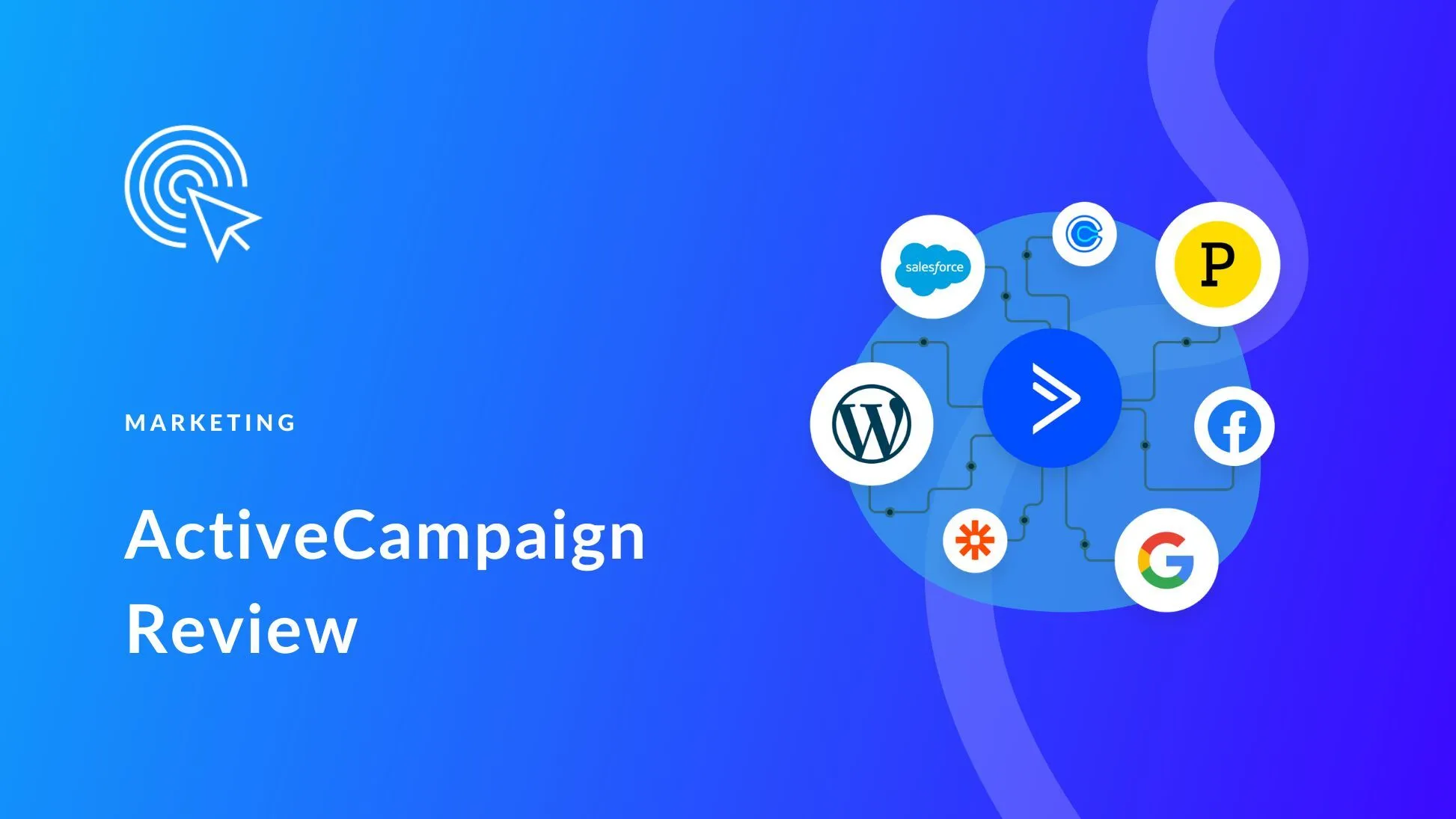
ActiveCampaign focuses heavily on automation, customer journeys, segmentation, CRM features, and marketing workflows. Instead of positioning itself mainly as a newsletter tool, it helps businesses automate actions based on customer behavior. Its current pricing system asks businesses to select contact counts and goals for a tailored package, so there is less value in comparing it with a simple fixed-price newsletter plan.
Pros:
- Advanced automation
- Detailed segmentation
- CRM capabilities
- Customer journey tools
- Strong behavioral triggers
Cons:
- More complex than basic newsletter tools
- Pricing depends on contacts and package
- May be excessive for occasional email blasts
Best for: Growth teams that need detailed automation and customer behavior workflows.
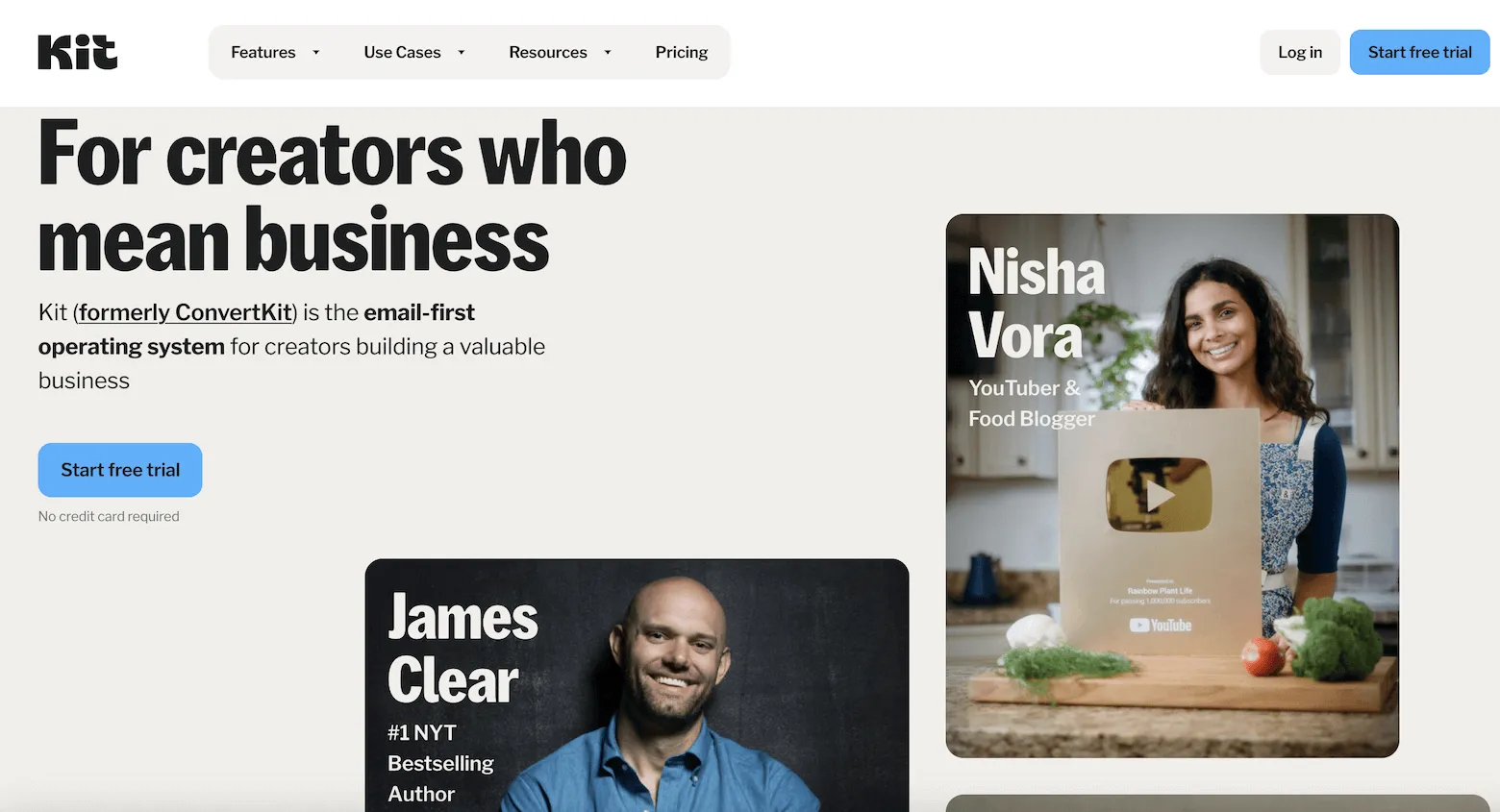
7. Kit — Best for Creators and Newsletters
Kit, formerly known as ConvertKit, focuses on creators, newsletter publishers, authors, bloggers, coaches, course creators, and other independent businesses. Its platform provides broadcasts, automated email sequences, subscriber management, forms, and creator-focused growth features. Kit offers a free option and paid plans as subscriber counts increase. It also provides free migrations and a 14-day trial for users who want to test paid features.
Pros:
- Creator-focused features
- Free plan
- Automated email sequences
- Newsletter tools
- Free migration support
Cons:
- Less focused on ecommerce than Klaviyo
- Fewer enterprise-style marketing functions
- Creator tools may not suit every business
Best for: Newsletter creators, authors, bloggers, educators, and independent publishers.
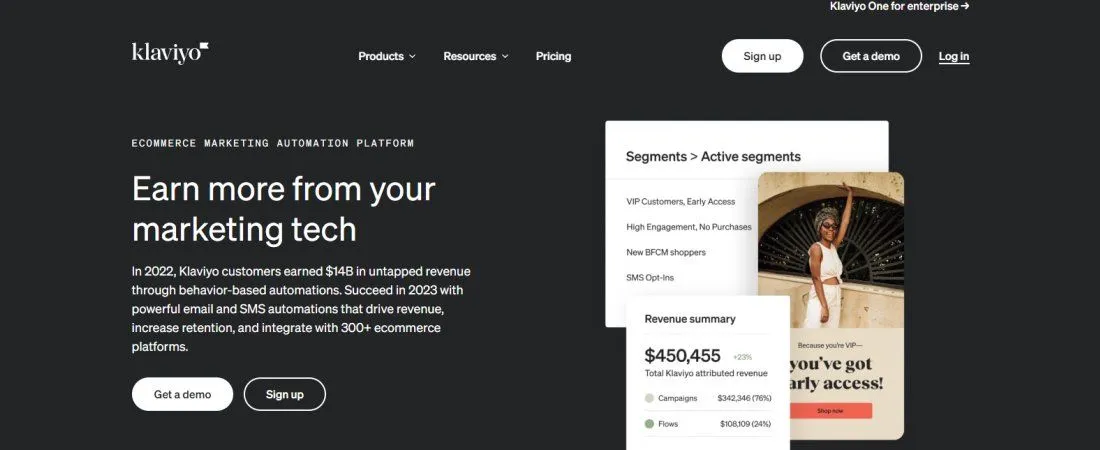
8. Klaviyo — Best for Ecommerce Marketing
Klaviyo focuses on ecommerce and customer data. It connects customer activity with email, SMS, automation, analytics, and marketing campaigns. This makes it useful for online stores that want to send different messages based on purchases, browsing behavior, customer value, or product activity. Its pricing depends on customer profiles and selected communication features, so businesses with growing databases should watch active profile counts carefully.
Pros:
- Strong ecommerce integrations
- Detailed customer segmentation
- Behavioral automation
- Email and SMS
- Customer data and analytics
Cons:
- Can become expensive as profiles grow
- More complex than basic newsletter tools
- SMS creates separate costs
Best for: Ecommerce businesses that want customer behavior to control email campaigns.
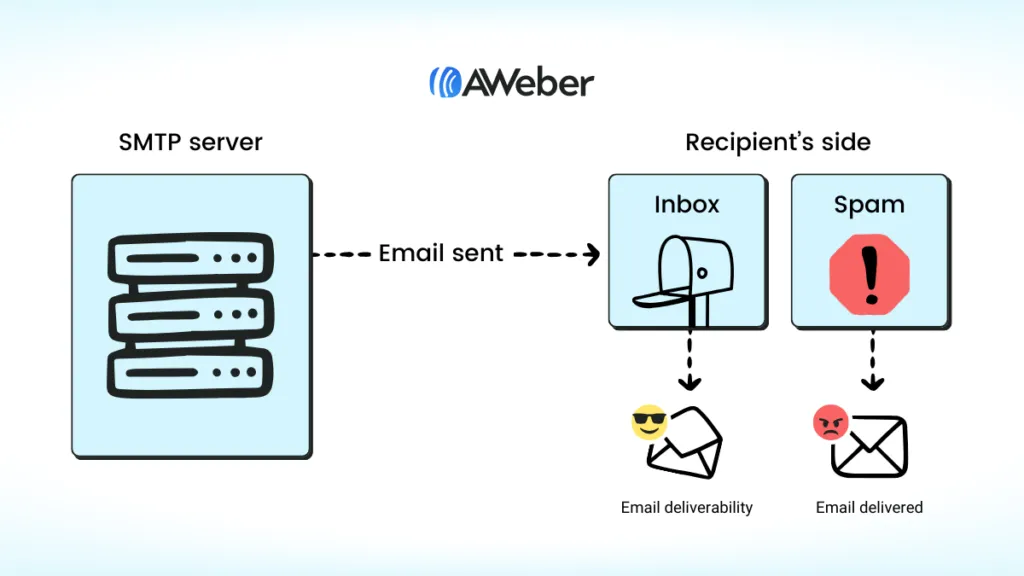
9. AWeber — Best for Simple Newsletters
AWeber is a long-running email marketing service aimed at businesses, creators, and organizations that need newsletters, subscriber management, templates, automation, and campaign reporting. It provides a free entry plan for smaller lists and paid plans as subscriber numbers increase. Compared with advanced customer-data platforms, AWeber keeps its focus closer to standard email marketing needs.
Pros:
- Simple newsletter workflow
- Free entry option
- Templates and automation
- Subscriber management
- Suitable for smaller lists
Cons:
- Less advanced ecommerce data
- Fewer complex customer journey tools
- Large teams may need more advanced automation
Best for: Small businesses, consultants, publishers, and users who mainly need newsletters.
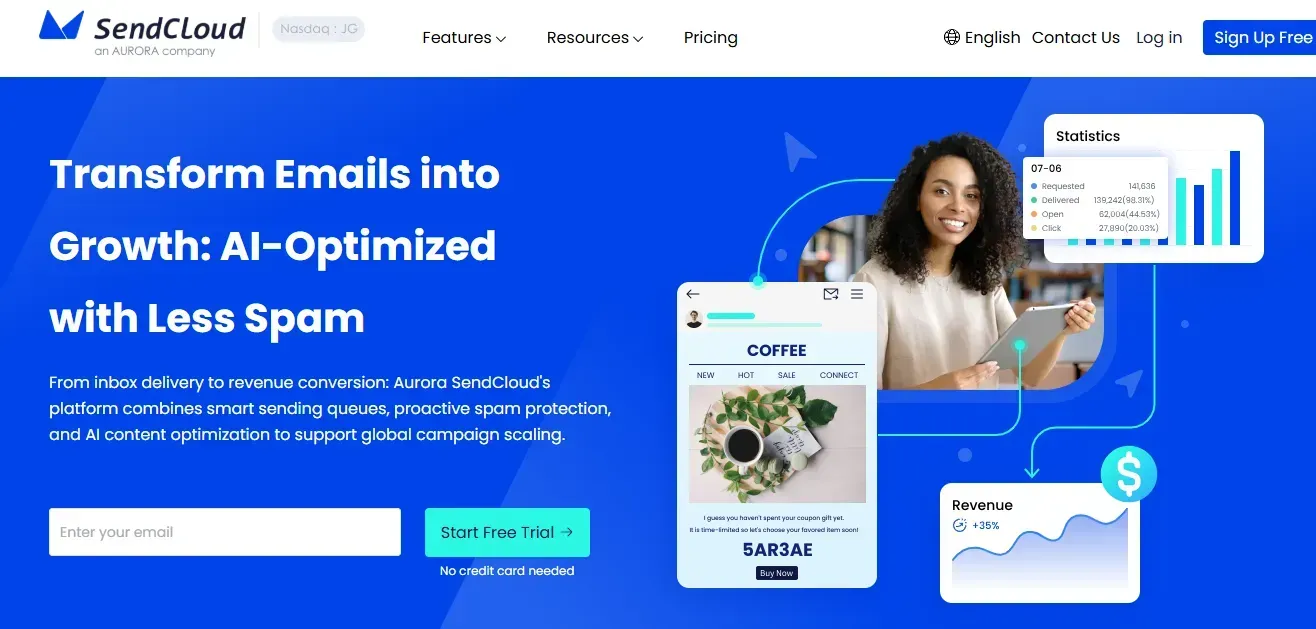
10. Aurora SendCloud — Best for Email Infrastructure + Marketing
Aurora SendCloud takes a different approach by combining email marketing features with email delivery infrastructure. Its tools include campaign creation, templates, segmentation, scheduling, AI-assisted content, sending queues, warm-up, and delivery monitoring. Its volume-based model can suit businesses that care about email usage rather than paying mainly according to stored contacts. However, buyers should calculate package costs, data-flow charges, and optional dedicated IP costs before making a final choice.
Pros:
- Email infrastructure and marketing tools
- Warm-up and sending controls
- Volume-based email packages
- AI-assisted email writing
- Delivery and campaign monitoring
- Template and segmentation features
Cons:
- Volume packages require careful planning
- May feel different from contact-based SaaS pricing
Best for: Businesses that want marketing features plus greater control over email delivery and sending infrastructure.
Best Email Blast Services by Use Case
Different businesses need different tools, so there is no single winner for every situation.
| Use Case | Recommended Service | Why |
|---|---|---|
| Beginner email marketing | Mailchimp | Easy campaign creation |
| Large list, moderate sending | Brevo | Contact‑friendly volume model |
| Small business support | Constant Contact | Simple tools and support |
| Marketing automation | GetResponse | Automation and email tools |
| Budget‑conscious team | MailerLite | Simple plans and free option |
| Complex automation | ActiveCampaign | Customer workflows |
| Creator newsletter | Kit | Creator‑focused tools |
| Ecommerce | Klaviyo | Customer and purchase data |
| Simple newsletters | AWeber | Straightforward workflow |
| Infrastructure‑focused sending | Aurora SendCloud | Sending controls and delivery tools |
The best email blast services therefore depend on your main need. A retailer may choose Klaviyo, while a creator may prefer Kit. A business sending large volumes may prefer Brevo or Aurora SendCloud.
The Hidden Costs of Email Blast Services
The monthly subscription is only one part of your email budget. Your real cost can include contact storage, additional email credits, verification, SMS, dedicated IPs, extra users, premium features, and overage charges.
Common Costs to Check
- Contact billing: Some platforms charge according to contacts or active profiles. GetResponse, for example, bases its plans on subscriber counts, while Klaviyo uses active profiles for its marketing plans.
- Email verification: Large or old lists often need verification before campaigns. Verification services can become a separate monthly expense.
- Overages: Check what happens when you exceed your monthly send or contact allowance. Constant Contact, for example, lists additional message charges for certain plans.
- Extra channels: SMS, WhatsApp, additional users, premium features, and dedicated IPs can increase your final bill.
Estimated True Monthly Cost
| List Size | Typical Platform Cost | Possible Extra Costs | Planning Range |
|---|---|---|---|
| 1K contacts | $0–$25 | $0–$50 | $0–$75 |
| 10K contacts | $20–$100 | $20–$1000 | $40–$2000 |
| 100K contacts | $150–$500+ | $50–$250+ | $200–$750+ |
These ranges are planning estimates, not provider quotes. Your actual cost depends on sending volume, contact rules, plan selection, verification, add-ons, and billing period.
How to Evaluate Email Deliverability Infrastructure
Deliverability should sit near the top of your evaluation list. A platform can provide excellent templates and still produce poor results if your sending practices, domain reputation, authentication, or list quality create problems. Google requires bulk senders to authenticate email, publish DMARC, maintain low spam rates, and support one-click unsubscribe for marketing messages. Yahoo also requires authentication, low complaint rates, easy unsubscribe, and proper DNS setup.
Six Features to Compare
| Service | Warm‑Up/Monitoring | Sending Controls | Bounce Handling | 1‑Click Unsubscribe |
|---|---|---|---|---|
| Mailchimp | Yes | Yes | Yes | Supported |
| Brevo | Yes | Yes | Yes | Supported |
| Constant Contact | Yes | Yes | Yes | Supported |
| GetResponse | Yes | Yes | Yes | Supported |
| MailerLite | Yes | Yes | Yes | Supported |
| ActiveCampaign | Yes | Yes | Yes | Supported |
| Kit | Yes | Yes | Yes | Supported |
| Klaviyo | Yes | Yes | Yes | Supported |
| AWeber | Yes | Yes | Yes | Supported |
| Aurora SendCloud | Warm‑up+ monitoring | Queue controls | Suppression tools | Supported |
No provider can guarantee inbox placement. Your domain reputation, authentication, content, engagement, complaint rate, bounce rate, and list quality also affect delivery.
Aurora SendCloud deserves a fair comparison here. Its infrastructure-focused features can help businesses that need warm-up, queue management, monitoring, and higher-volume sending. At the same time, its pricing model and additional infrastructure costs should be compared against the total cost of competing platforms. That makes it a strong option for some senders, but not automatically the best choice for every business.
How to Choose an Email Blast Service: 4-Step Framework
Choosing the right email blast service starts with understanding your list size, sending frequency, deliverability problems, and budget. Use this four-step framework to compare platforms based on your actual needs, expected growth, and total yearly cost.
Step 1: Check Your List Size and Growth
Write down your current number of contacts and expected growth over the next year. Then estimate how many emails you will send each month. A contact-based service may work better when you send frequent campaigns to a smaller list. A volume-based service can make more sense when you have a large database but only email selected segments.
Step 2: Audit Your Deliverability Problems
Before changing platforms, check your current numbers.
Look at:
- Bounce rate
- Spam complaints
- Unsubscribe rate
- Open and click activity
- Domain authentication
- Sending reputation
- Gmail Postmaster data
- Engagement from inactive subscribers
If poor list quality causes your problems, changing providers will not solve the root issue.
Step 3: Match the Service to Your Bottleneck
Your main problem should guide the decision.
- Choose Brevo or Aurora SendCloud when sending volume and email cost matter most.
- Choose Klaviyo when ecommerce customer data drives your campaigns.
- Choose ActiveCampaign or GetResponse when automation is your main requirement.
- Choose MailerLite, Kit, or AWeber when you mainly need newsletters.
- Choose Mailchimp or Constant Contact when you want a simpler general-purpose marketing system.
This is the most useful part of an email blast service comparison: match the platform to your actual workload instead of choosing based on the number of features listed on its homepage.
Step 4: Calculate Your 12-Month Cost
Do not compare only the advertised monthly price.
Add:
- Monthly subscription
- Contact charges
- Email credits
- Verification
- SMS
- Dedicated IP
- Extra users
- Premium features
- Overage charges
- Data or infrastructure fees
Then multiply the realistic monthly amount by 12. This gives you a better view of the bulk email services compared across a full year.
FAQ
What are the best email blast services in 2026?
The best email blast services include Mailchimp, Brevo, Constant Contact, GetResponse, MailerLite, ActiveCampaign, Kit, Klaviyo, AWeber, and Aurora SendCloud. The best option depends on your list, volume, and marketing needs.
Which email blast service is cheapest?
Brevo, Mailchimp, MailerLite, Kit, and AWeber offer free entry options. However, the cheapest plan is not always the cheapest at scale because contact limits, send limits, and add-ons can change your final cost.
Which service is best for large email lists?
Brevo and Aurora SendCloud can be worth considering for businesses focused on email volume. Your final choice should depend on monthly sending volume, infrastructure needs, list quality, and total annual cost.
Are email blast services good for ecommerce?
Yes. Klaviyo is particularly suited to ecommerce because it connects customer activity, purchase data, segmentation, automation, and marketing campaigns. Other platforms can also work when ecommerce requirements are simpler.
Do email blast services guarantee inbox placement?
No. A provider can offer authentication, sending controls, reputation monitoring, and bounce management, but it cannot guarantee inbox placement. Your domain, content, engagement, complaints, and list quality also affect delivery.
Should I choose contact-based or volume-based pricing?
Choose based on how you actually send email. If you maintain a large list but send campaigns only to smaller segments, volume-based pricing may offer better value. Frequent senders may prefer another model.
Conclusion
The right email blast services should fit your list size, sending volume, deliverability needs, automation requirements, and budget. Do not choose from the sticker price alone. Check contact rules, email limits, overages, verification, infrastructure, and add-ons before committing. Aurora SendCloud is worth considering for businesses that want email marketing features with sending infrastructure, warm-up, monitoring, AI writing, and volume-based email options. Compare its total cost with the other platforms based on your actual 12-month sending needs.